
Guides › Quotations That Turn into Orders
Quotations That Turn into Orders
RBTERP team · · 3 min read
How to write quotations customers can say yes to, follow them up, and turn them into sales orders without retyping anything.
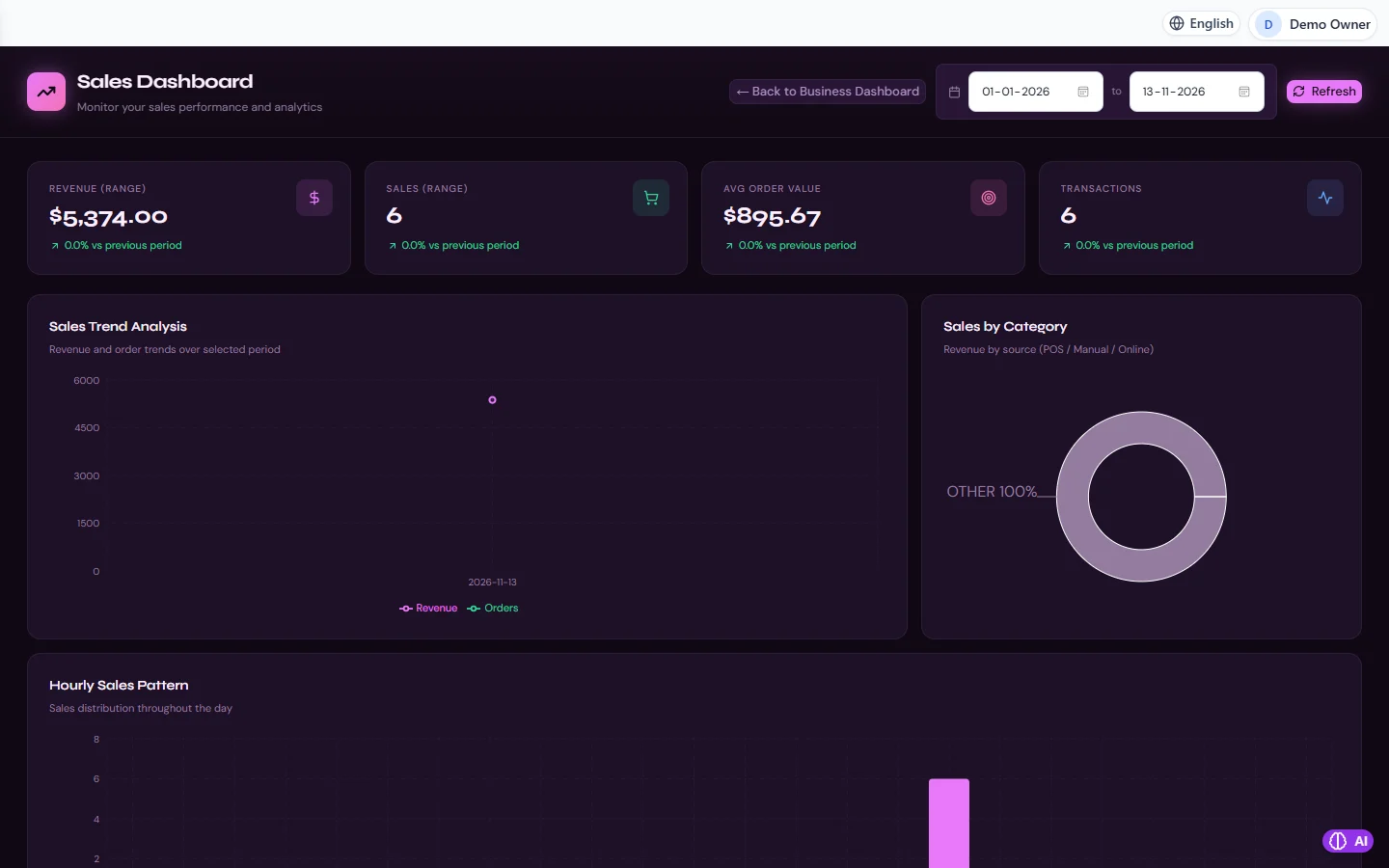
Sales in RBTERP, with a sample company and fictional data.
A quotation is often the first document a customer receives from you. It sets the price, the terms and the impression. A clear quotation that flows straight into an order saves time, avoids disputes, and wins more of the business you quote for.
What a good quotation contains
- Your company details and the customer's, correctly spelled.
- A quotation number and date, so both sides can refer to it.
- Each item: description, quantity, unit price and any discount, so the customer can see how the total is made.
- Tax shown separately, at the right rate for the customer and the goods.
- The total, and the currency.
- How long it is valid. Prices change; a quotation without an end date can be held against you months later.
- Delivery time and payment terms. These are often what the customer is really comparing.
Pricing with care
- Check the price list and any customer-specific prices before quoting.
- Know your cost. A discount that looks small on the price can be most of your margin.
- Quote exactly what you can deliver. If stock is short, say when more will arrive.
Follow up
Most quotations are not refused; they are forgotten. A short call a few days after sending turns many of them into orders.
- Keep the list of open quotations in front of you and review it weekly.
- Ask what the customer needs to decide, not just whether they have decided.
- When a quotation is lost, record why: price, delivery time, a competitor. Over time this tells you where you are losing business.
From quotation to order
When the customer accepts, the quotation should become the order without retyping. Retyping is where mistakes enter: a wrong quantity, an old price, a missing line. The order then carries the agreed lines, prices and terms forward into delivery and invoicing.
If the customer changes something when they accept, change the order, and keep the original quotation as it was sent, so you can always see what was offered.
Quotations in RBTERP
The Sales module handles quotations, orders, deliveries, invoices and returns as one flow, so a quotation carries forward to the order and from there to delivery and invoice. See from sales order to cash for the steps after the order.
- Tax is calculated from your country pack for each line, at the rate in force on the document's date, so the quotation shows the same tax the invoice will.
- Document numbers follow your company's own numbering format.
- The Sales dashboard shows revenue, number of sales, average order value and trends for any date range, plus sales by source and the hourly sales pattern.
- In CRM, opportunities track the deals behind your quotations, with the pipeline value and stage. See leads and the sales pipeline.
- Reports cover quotations alongside invoices, deliveries, services, returns and customers, for any date range. See building your own reports.
Measure your quoting
Two numbers tell you a lot:
- Win rate: quotations accepted divided by quotations sent. A falling win rate is an early warning about price or service.
- Time to order: how long customers take to accept. Long times may mean your quotations are hard to approve on their side; a simpler layout or clearer terms can help.
This guide uses the Sales module of RBTERP: Quotations, orders, deliveries, invoices and returns in one flow, with revenue, order value and trends for any date range.