
Guides › Approvals and Workflows: Who Signs Off What
Approvals and Workflows: Who Signs Off What
RBTERP team · · 3 min read
How to design approval rules for purchases, payments and other documents: approval levels, amount limits, delegation, escalation and maker-checker.
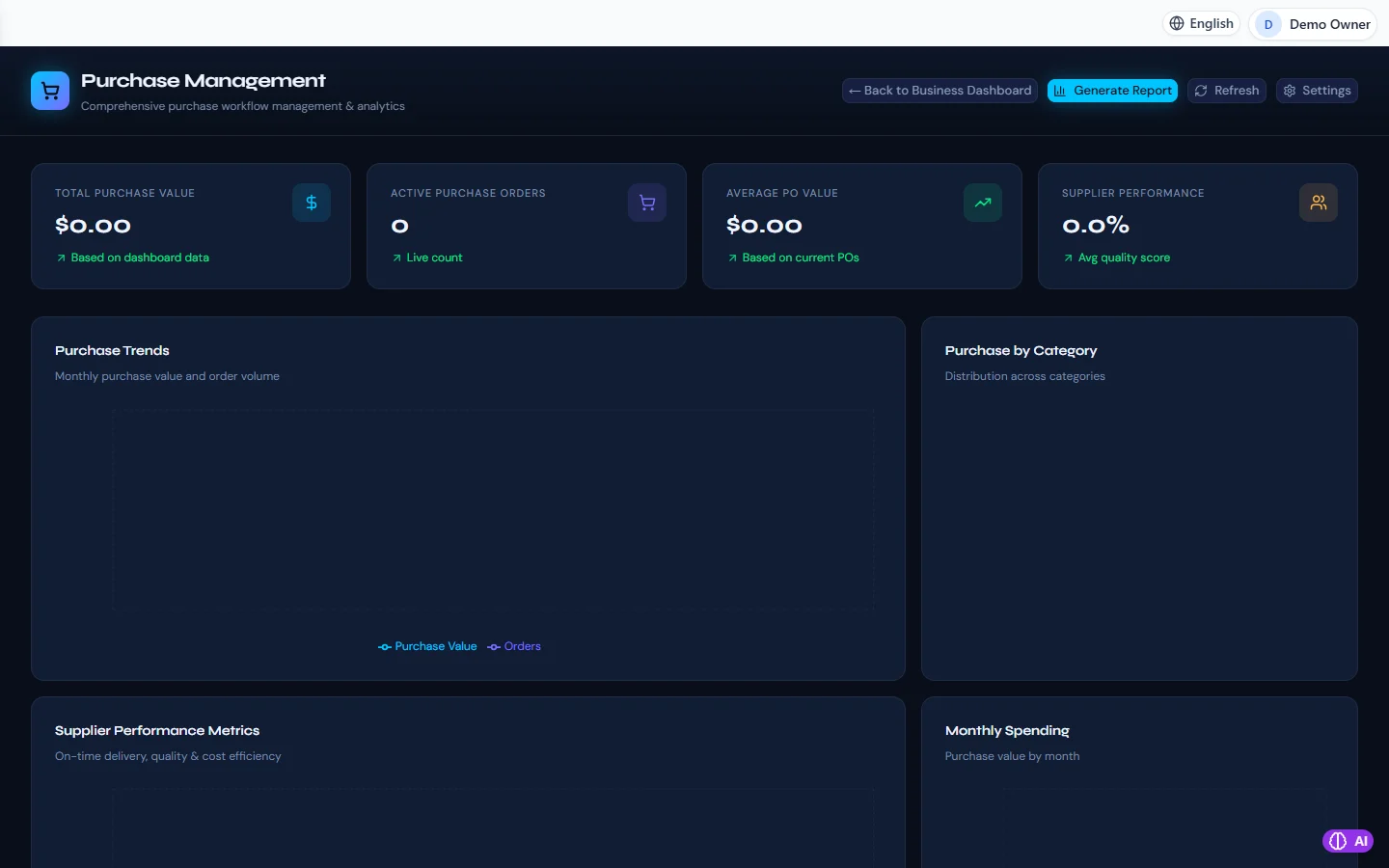
Purchasing in RBTERP, with a sample company and fictional data.
An approval is a second pair of eyes before money leaves or a commitment is made. Too few approvals and mistakes or fraud slip through. Too many and work stops while documents wait in someone's inbox. A good workflow puts approvals where the risk is, and nowhere else.
Where approvals earn their keep
- Supplier bills before payment. The most common route for both honest mistakes and fraud.
- Payments above an amount. A small payment can be fixed if it is wrong; a large one may not come back.
- Purchase orders above an amount, so spending is agreed before it is committed.
- Credit notes and returns, because they reduce what customers owe.
- Payroll, because it pays everyone at once.
Ask, for each document type: what is the worst thing that could happen if the wrong person made this alone? If the answer is small, you probably do not need an approval.
Designing the rules
Levels
Approvals can come in levels. A department head approves first, then finance, then a director. Each level starts only when the one before it is complete.
Conditions
Most documents do not need every level. A rule such as *director approval only above 100,000* keeps small items moving and puts senior attention on large ones.
Who approves
An approver can be a named person, anyone holding a role such as department manager, or anyone holding a permission such as finance management. Roles and permissions are better than names: when someone leaves, the rule still works.
Quorum
Some decisions need more than one approver at the same level, such as two directors for a very large payment.
Maker-checker
The person who made a document should not approve it. This one rule, called maker-checker or segregation of duties, prevents a large share of internal fraud. Build it in, so nobody has to remember it.
When the approver is away
- Delegation: an approver hands their approvals to a colleague for a period, such as during leave. The record shows that the delegate acted on behalf of the approver.
- Escalation: if a step is not decided within a set time, it can be decided by someone more senior.
- Deadlines: each step can carry a time limit, so overdue approvals are visible instead of forgotten.
Approvals in RBTERP
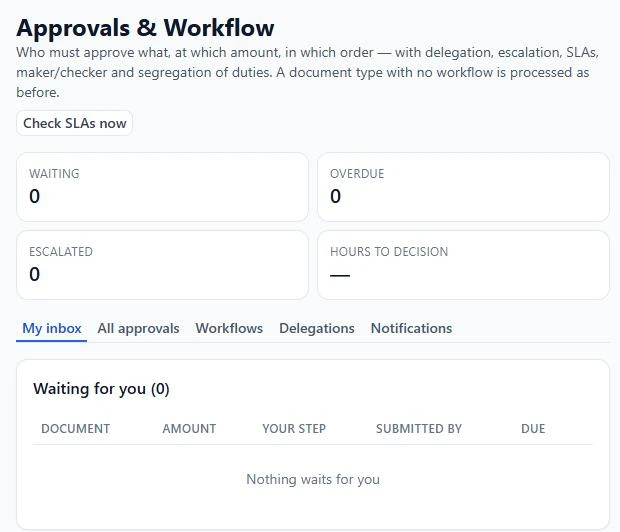
RBTERP has one approval engine for every module's documents, under Approvals in the sidebar.
- If you define no workflow for a document type, nothing changes. Once a workflow governs a document type, that module refuses to commit any document of that type that has not been approved for exactly what is being committed. A document edited after approval needs approving again.
- Steps carry a level; levels run in order, and steps on the same level run in parallel.
- Conditions choose which workflow applies and include or drop individual steps, such as the director above an amount.
- Approvers can be named users, a role, or anyone holding a permission, with a quorum for how many must approve.
- Delegation has a start and end date and can cover some or all document types. A delegate acts for the principal, and delegation is never passed along a chain.
- Escalation and service levels: each step can have a time limit; once it lapses, the escalation target may decide, and the approvers are notified.
- Every decision is kept in a tamper-evident history, and each person has an inbox of documents waiting for them.
Start simple
- Begin with one workflow: supplier bills, approved by someone other than the person who entered them. See approving supplier bills.
- Add an amount threshold for payments once the first one runs smoothly.
- Review the approval statistics after a month. If documents wait days for approval, the rule is too broad or the approvers too few.