
Guides › Connecting Other Systems: API Keys, OAuth and Webhooks
Connecting Other Systems: API Keys, OAuth and Webhooks
RBTERP team · · 3 min read
How other software connects to your ERP safely: API keys and OAuth for access, webhooks for events, and the safeguards that keep data consistent.
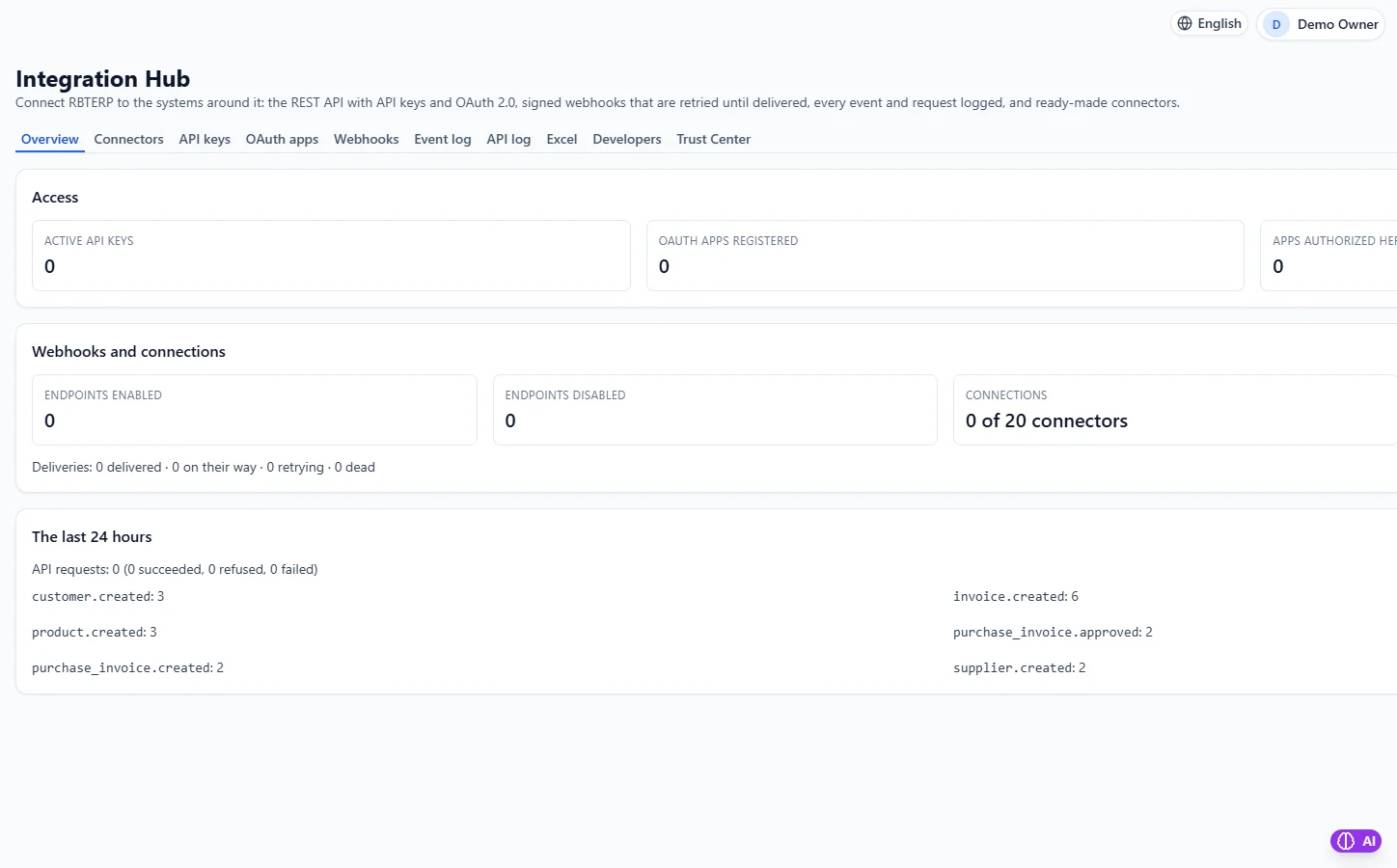
Integrations & API in RBTERP, with a sample company and fictional data.
Sooner or later your ERP needs to talk to other software: an online shop, a courier, a payment gateway, a reporting tool. A well-designed integration moves data automatically and correctly. A careless one creates duplicates, security holes and figures nobody trusts. This guide explains the building blocks in plain terms.
The building blocks
The API
An API, or application programming interface, is a door through which other software can read and write data in your system, without a person typing it. A REST API does this over the web, using ordinary web addresses for things such as customers, products and invoices.
API keys
An API key is a password for software. You create a key for each system that connects, give it to that system, and it presents the key with every request. Treat keys like passwords:
- One key per connecting system, so you can switch one off without affecting the others.
- Give each key only the access it needs.
- Set an expiry where possible, and remove keys you no longer use.
- Never paste a key into an email or chat.
OAuth
OAuth lets a person authorise another application to act for them, without giving it their password. You will see it when connecting third-party apps.
Webhooks
An API lets other software ask your system for data. A webhook does the opposite: your system tells another system when something happens, such as "an invoice was created". This avoids constant polling and keeps both sides in step.
A good webhook is signed, so the receiver can prove it came from you, and retried if the receiver was down.
Safeguards that matter
- Validation: data coming in through the API should pass the same checks as data typed by a person.
- Permissions: an integration should be limited like a user.
- Idempotency: if the same request is sent twice by accident, it should only take effect once.
- Rate limits: stop a faulty integration from flooding the system.
- Logs: a record of every call, for troubleshooting.
The Integration Hub in RBTERP
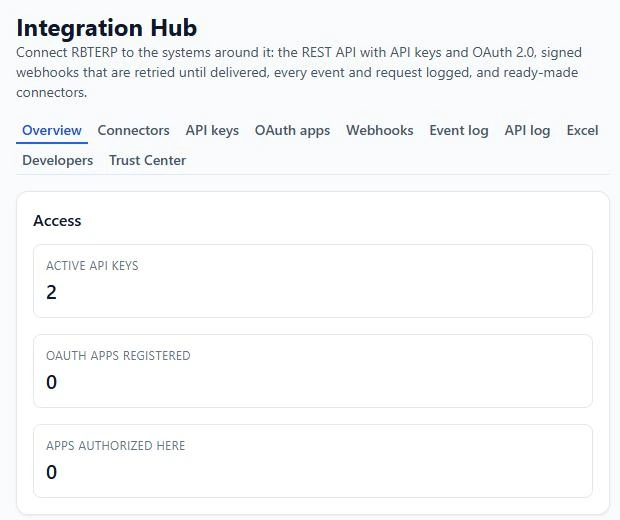
RBTERP's Integration Hub is how other systems reach RBTERP and how RBTERP reaches them:
- A REST API covering customers, suppliers, products, invoices, sales orders, purchase orders, accounts and journal entries.
- API keys and OAuth 2.0 apps for access, each with scopes, expiry and optional address restrictions.
- Signed webhooks for 33 event types, retried automatically until delivered.
- Idempotency and rate limits on every call.
- An event log and an API log, and a developer portal with a JavaScript SDK and an OpenAPI description of every operation.
- 20 ready-made connectors to outside services.
Most importantly, the hub does not bypass anything. Every write goes through the owning module's own route, so the same validation, permissions, approval workflows and ledger postings apply whether a person or an integration made the change. An invoice created through the API posts to the books exactly like one created on screen.
On a security note: an address someone types into a connector cannot point the server at itself or at private network services, and nothing is sent to any outside service unless someone sets up a connector to it.
Getting started
- List the systems you want to connect, and what each needs to read or write.
- Create one key per system, with the narrowest scopes.
- Test against a copy of your data first.
- Watch the API log for the first weeks.
For one-off loads of spreadsheet data, the Excel route is simpler. See Excel import and export.
This guide uses the Integrations & API module of RBTERP: A REST API with API keys and OAuth 2.0, signed webhooks that retry until delivered, and ready-made connectors.