
Guides › Excel Import and Export Without Breaking Your Data
Excel Import and Export Without Breaking Your Data
RBTERP team · · 3 min read
How to prepare spreadsheet data for import, check it before it goes in, export data for analysis, and avoid the classic Excel traps.
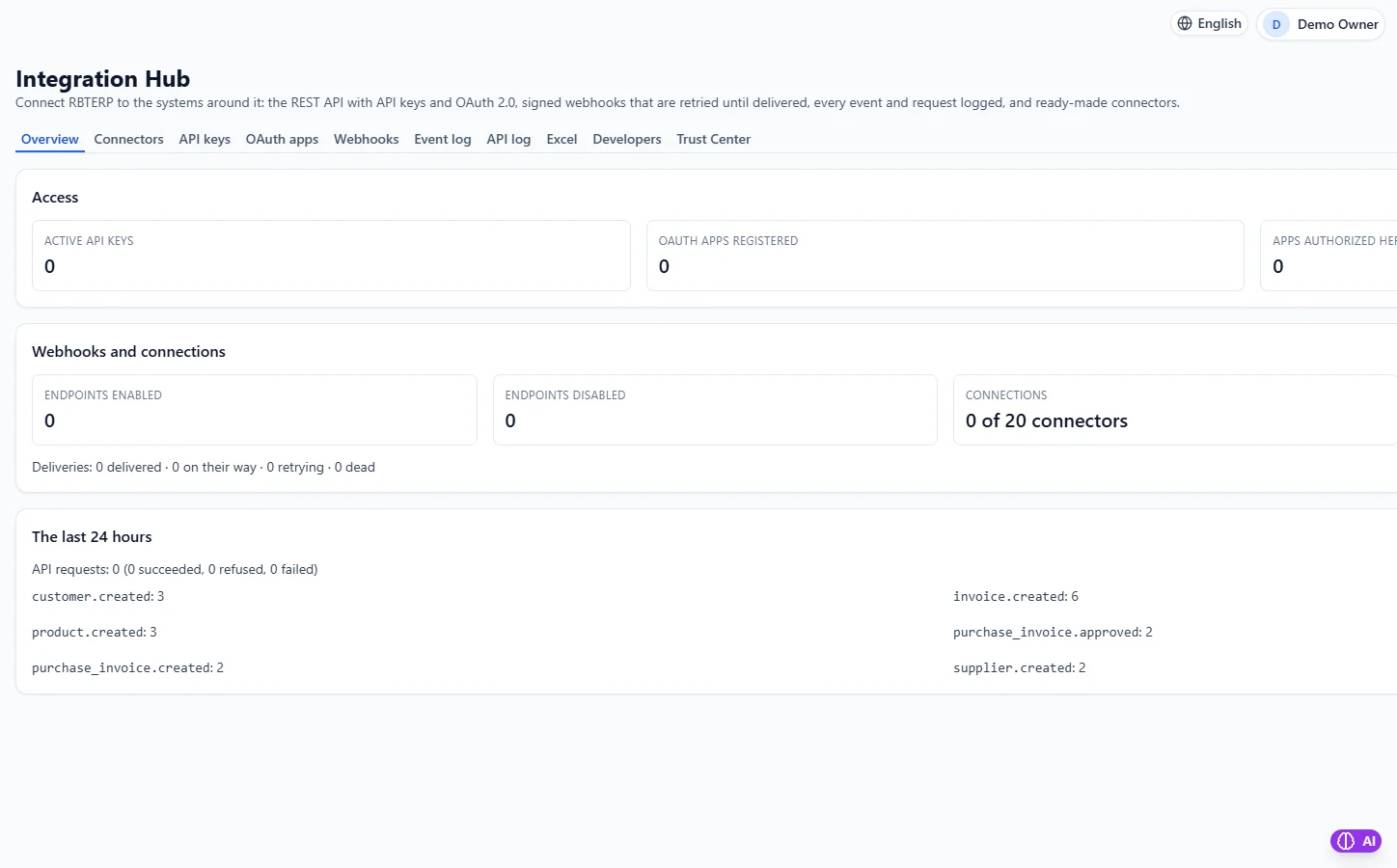
Integrations & API in RBTERP, with a sample company and fictional data.
Excel is still the easiest way to move lists of customers, products and prices in and out of a business system. It is also the easiest way to introduce errors. A few rules turn spreadsheet imports from a gamble into a routine.
Before you import
Use the template
Start from the system's own example file for that kind of data. It has the right columns, in the right order, with the right headings. Do not rename or reorder them.
Clean the data
- Remove duplicate rows.
- Make sure each code appears once: one row per customer, product or supplier.
- Fill in required columns; a blank where a value is needed will be rejected.
- Remove totals, notes and blank rows at the bottom.
Watch the classic traps
- Formulas. A cell containing a formula is not a value. Paste as values before saving.
- Leading zeros. Excel turns `00123` into `123` unless the column is formatted as text.
- Dates. `03/04/2026` is March to some and April to others. Use `2026-04-03`.
- Decimals. Money should have two decimals, exactly as on the invoice; more is a sign of a calculation, not a value.
- Encoding. Save as UTF-8 so names with special characters survive.
Check before you import
A good import process lets you check the file first, without changing anything, and lists every problem at once. Fix the file, check again, and import only when it is clean. This is far better than importing, finding errors, and trying to undo half an import.
Export for analysis
Exporting to Excel is useful for one-off analysis, sharing with an accountant or answering a question no standard report covers. Two cautions:
- An export is a snapshot. It does not update when the system does.
- Do not edit an export and import it back as a way of making changes. Changes belong in the system, where they are checked and recorded.
Excel in RBTERP
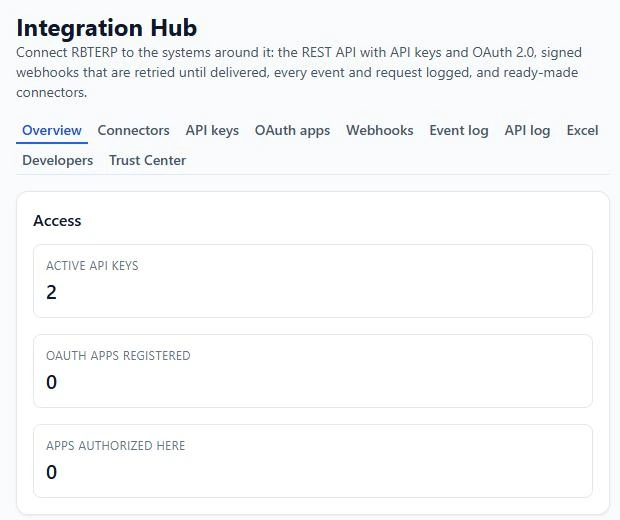
- Check, then import. RBTERP's Excel and CSV datasets are first checked in a dry run that changes nothing, then imported. Imports go through the owning module, so the same validation and permissions apply as on screen.
- Strict file rules in data migration: a cell that is a spreadsheet formula is rejected; an unreadable character must be fixed by saving as UTF-8; an ambiguous date is rejected unless the date format is stated, while `2026-04-03` is always understood; money with more than two decimals is rejected, never rounded; leading zeros in codes are kept; the same file uploaded twice is refused; more than 20,000 rows must be split.
- Duplicates handled sensibly: a customer, supplier or product that already exists is skipped rather than duplicated, and every rejected row comes with its reason.
- All or nothing where it matters: a CRM import is validated as a whole and saved in one go, and an asset CSV row that fails imports nothing.
- Export: data can be exported to Excel through Integrations, including for answering a person's request to see their own data.
- Many modules have their own bulk imports; the Shipping module alone has twenty operational imports.
A safe routine
- Download the example file.
- Paste your data in as values.
- Run the check and read every message.
- Fix and check again until it is clean.
- Import, then compare totals with your spreadsheet.
For moving a whole business from spreadsheets, read moving from Excel to an ERP. For continuous connections to other software, see API keys and webhooks.
This guide uses the Integrations & API module of RBTERP: A REST API with API keys and OAuth 2.0, signed webhooks that retry until delivered, and ready-made connectors.