
Guides › Approving Supplier Bills Before They Are Paid
Approving Supplier Bills Before They Are Paid
RBTERP team · · 3 min read
Why supplier bills need a second person's approval, what the approver should check, and how to set up bill approval without slowing payments.
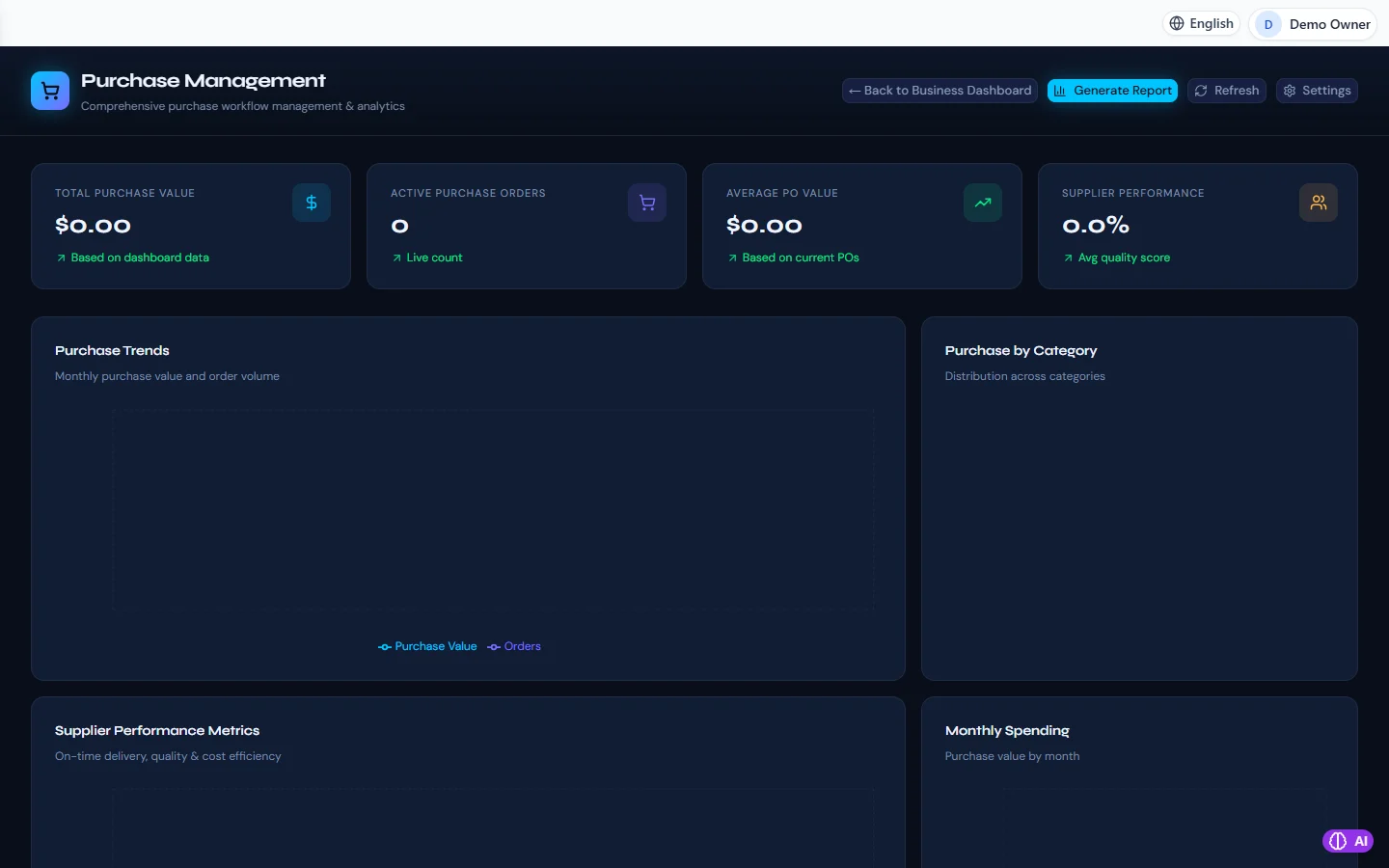
Purchasing in RBTERP, with a sample company and fictional data.
The supplier bill is where money starts to leave the business. That makes it the natural place for a check. A bill approved by a second person, who looks at it with the right questions in mind, stops mistakes and most internal fraud before any payment is made.
Why a second person
When one person can enter a bill, approve it and pay it, nobody else ever looks. Most of the time that person is honest and careful. But the risks are real:
- A bill entered twice and paid twice.
- A wrong bank account on a supplier record, so payments go to someone else.
- A bill from a supplier that does not exist.
- Goods billed that were never delivered.
A second person reviewing each bill catches the honest mistakes and makes dishonest ones far harder.
What the approver checks
For each bill:
- Is the supplier real and known? A new supplier deserves a closer look.
- Was it ordered? Does it match a purchase order, or is there a clear reason it does not need one?
- Was it received? Did the goods or service actually arrive?
- Is the price right? As agreed on the order or contract.
- Is it already paid or already entered? Same supplier, same bill number, same amount.
- Is it coded sensibly? Stock to inventory, a service to the right expense.
- Is the tax right? At the correct rate, and only if the supplier is entitled to charge it.
An approver who simply clicks approve on everything is not a control. Approve fewer, better.
Keeping approval fast
Approval should not mean bills waiting weeks.
- Approve in batches, once or twice a week.
- Use amount limits. Small bills can be approved by a manager; large ones go to the owner.
- Delegate during absences, so bills do not stall when the approver is away.
- Look at the queue: bills waiting more than a few days usually mean a question nobody has answered.
Changing supplier bank details
The most expensive fraud in small business is a fake email asking you to update a supplier's bank details. Before changing any supplier's bank account, phone the supplier on a number you already had, not one in the email. Treat this as part of approval.
Bill approval in RBTERP
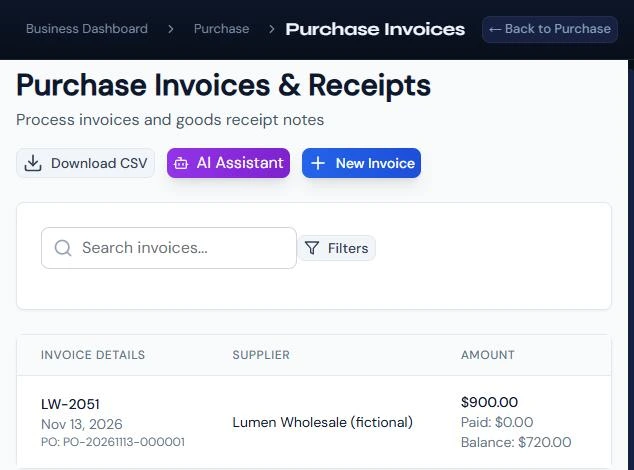
- In Purchases, under Invoices, the supplier's bill is entered with its number, dates and lines.
- The bill is approved by a person with purchase approval before it can be paid. A bill linked to an order is matched first; an unmatched bill is held.
- Once approved, stock lines raise inventory, other lines are expensed, and the payable shows the bill.
- For amount limits, levels and delegation, RBTERP's approval engine can govern supplier bills and other documents. Once a workflow governs a document type, that document cannot be committed until it is approved, and a document edited after approval needs approving again. See approvals and workflows.
- Every approval is recorded with who approved and when.
After approval
An approved bill joins the payables, waiting for its due date. Approval says the bill is right; payment is a separate decision about when to pay. See paying suppliers on time, and for the matching that comes before approval, purchase orders and matching supplier bills.
This guide uses the Purchasing module of RBTERP: Purchase orders, supplier bills, approvals and payments, with spending trends and supplier performance.