
Guides › Purchase Orders and Matching Supplier Bills
Purchase Orders and Matching Supplier Bills
RBTERP team · · 3 min read
Why purchase orders matter, how to match a supplier's bill to what you ordered and received, and how to stop paying for goods you never got.
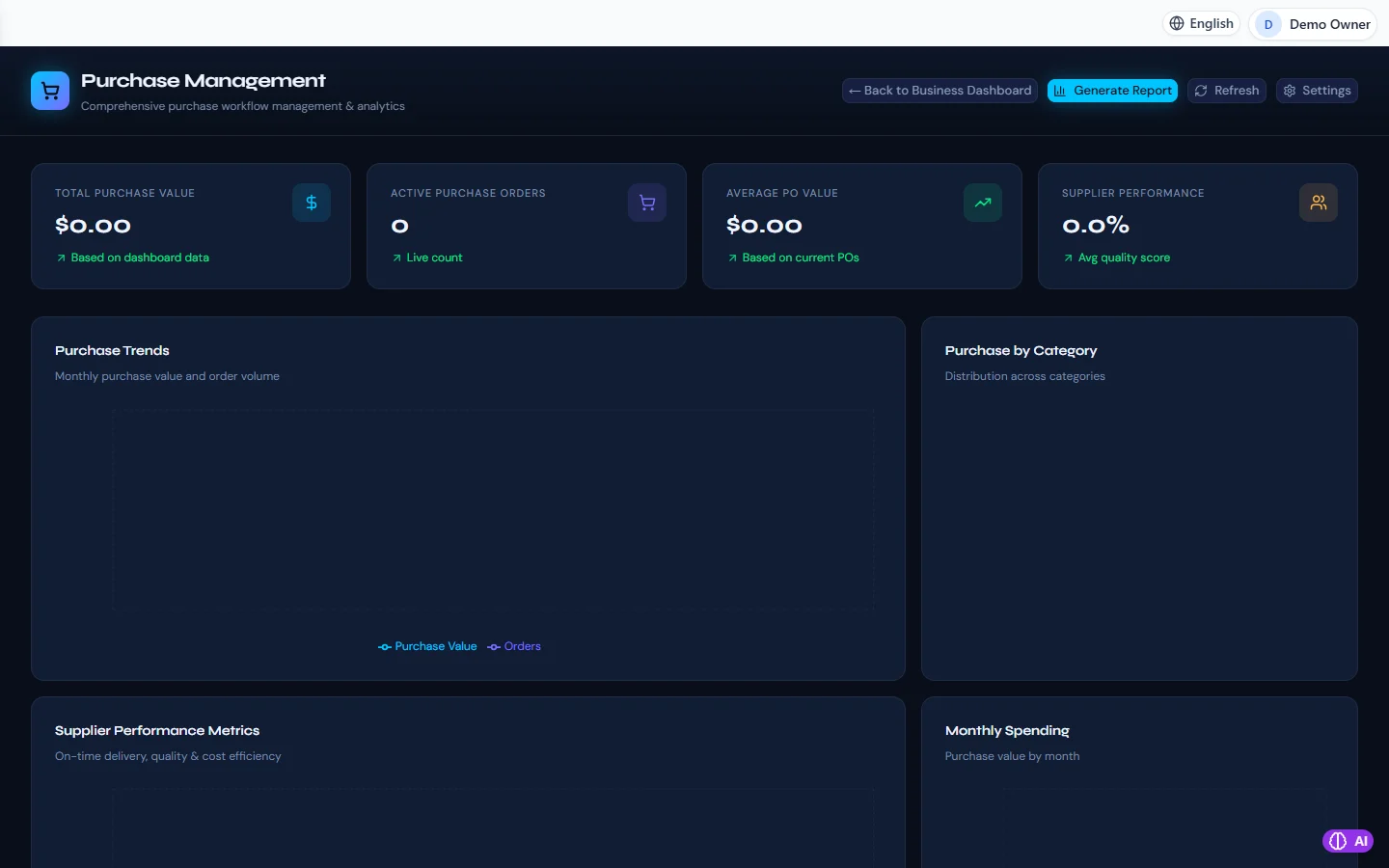
Purchasing in RBTERP, with a sample company and fictional data.
Paying a supplier's bill without checking it is one of the most common ways small businesses lose money. The bill may charge the wrong price, a quantity that never arrived, or an item you did not order. A purchase order, matched against the bill, catches all three before the money leaves.
What a purchase order does
A purchase order is your written instruction to a supplier: these items, these quantities, at these prices, delivered by this date. It does three things:
- Agrees the price before you commit. No surprises on the bill.
- Tells your store what to expect, so goods can be checked on arrival.
- Gives you something to check the bill against.
Not every purchase needs one. Office tea does not. Stock for resale, raw materials and anything expensive does.
Matching: the core control
When the supplier's bill arrives, compare it with what was ordered and what was received:
- The order: was this ordered, at this price?
- The receipt: did this quantity actually arrive, in acceptable condition?
- The bill: does it charge for what was ordered and received, at the agreed price?
When all three agree, the bill can be approved for payment. When they do not, the difference is resolved with the supplier before paying: a credit note for goods short or damaged, a corrected bill for a wrong price.
Common mismatches
- Short delivery: you ordered 100, received 90, were billed for 100. Pay for 90.
- Price drift: the bill uses a new price list. Pay the agreed price, or agree the new one first.
- Duplicate bills: the same bill sent twice, perhaps once by email and once by post. Check the supplier's bill number.
- Goods you did not order. Return them or agree them explicitly; do not pay by default.
Keep the paper trail
File the order, the delivery note and the bill together, physically or as attachments. When a supplier queries a payment a year later, you will have the answer in seconds.
Purchasing in RBTERP
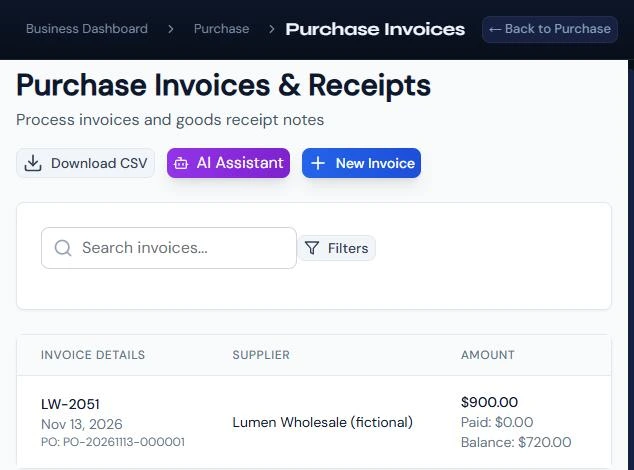
- Orders and bills: the Purchases module holds purchase orders and supplier bills. A bill line can be a product line for stock, which raises inventory, or a description line for anything else, which is expensed.
- Matching first: a bill linked to an order is matched before it can go further. A bill that does not match is held for matching, rather than slipping through to payment.
- Approval: a bill is approved by someone with purchase approval before it can be paid. See approving supplier bills.
- Ledger: once approved, stock lines raise inventory, other lines go to expenses, and the payable shows the bill. You never post to payables by hand.
- Foreign suppliers: a bill in a currency other than your books currency needs an exchange rate for its date, entered under Purchases, then Exchange rates.
- Tax: input tax on the bill is calculated by the tax engine from your country pack, and recoverable tax is kept apart from tax that becomes a cost.
- Supplier performance: the Purchasing dashboard shows purchase trends, spending by month and by category, and each supplier's on-time delivery, quality and cost.
A simple routine
- Raise an order for every stock or significant purchase.
- Count and check goods on arrival, against the order.
- Enter the bill with its own number and dates, linked to the order.
- Resolve mismatches before approval.
- Approve, then pay on the due date. See paying suppliers on time.
Once a month, read the supplier performance figures. A supplier who is cheapest but often late or short may be the most expensive one you have.
This guide uses the Purchasing module of RBTERP: Purchase orders, supplier bills, approvals and payments, with spending trends and supplier performance.