
Guides › Go-Live Readiness Checklist
Go-Live Readiness Checklist
RBTERP team · · 3 min read
What must be in place before a company starts live work in RBTERP: the readiness report, opening balances, training, security and the first-week routine.
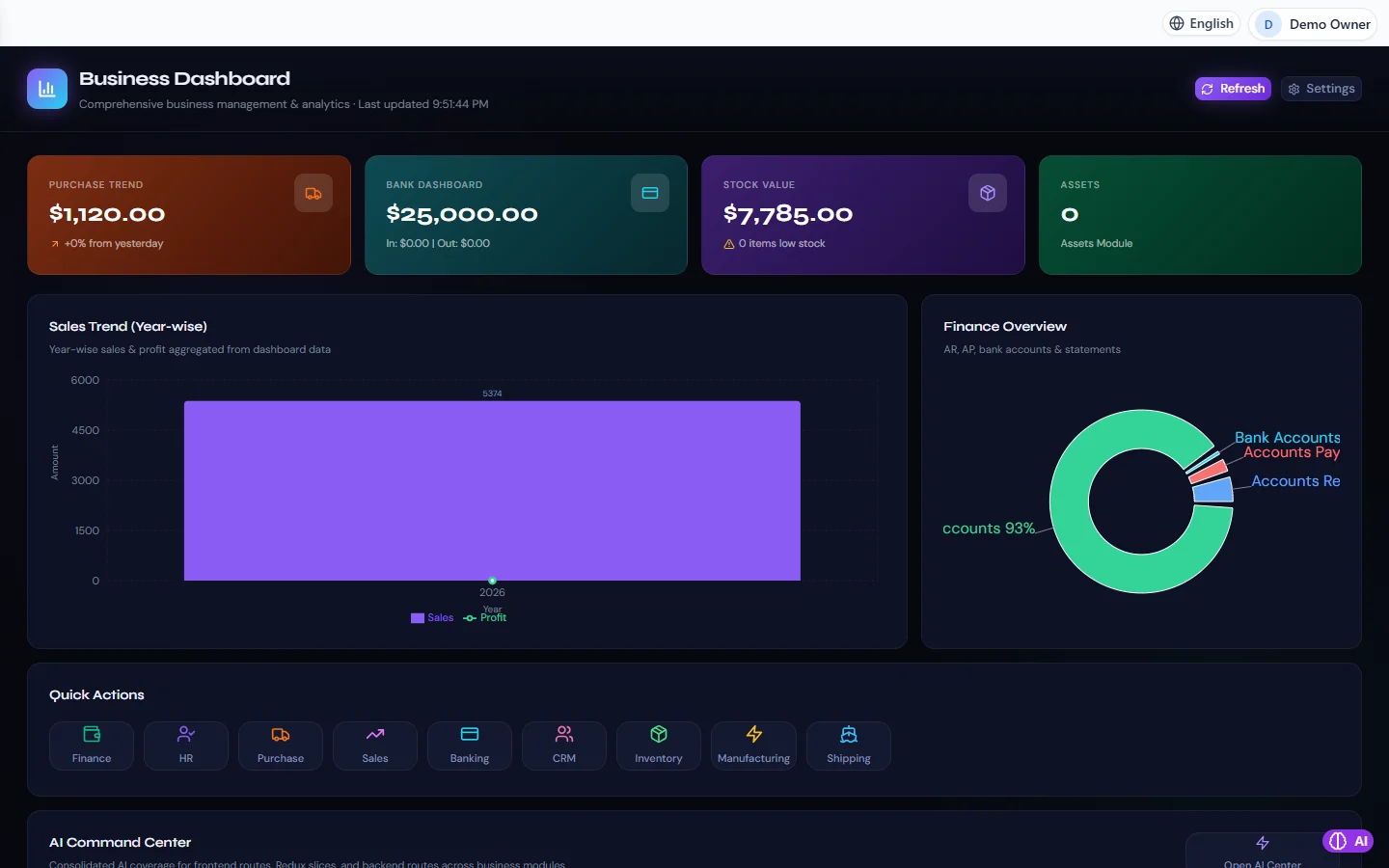
Business Dashboard in RBTERP, with a sample company and fictional data.
Going live is the day you stop keeping the old records and start trusting the new system. The date itself is easy to choose. What matters is arriving at it with everything in place, so that the first week builds confidence instead of doubts.
The readiness report
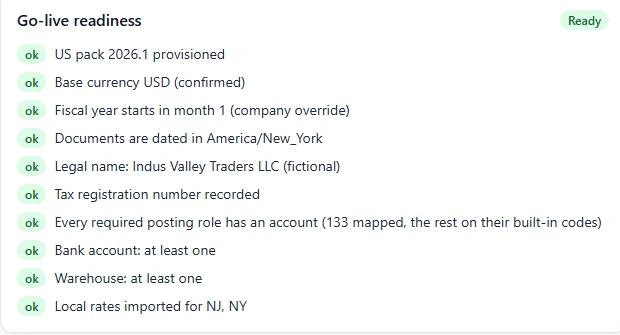
RBTERP checks the essentials for you. Under Settings, then Company, the Go-live readiness report sits at the top. Each item is one of:
- Blocking: must be resolved before go-live.
- Warning: should be resolved.
- Unknown: the check could not run. Unknown is never treated as passed.
What it checks:
- Country: a country pack is chosen and provisioned, so tax rates and accounts exist.
- Books: a base currency, a fiscal year and a legal name are set, and the company's time zone matches the computer's clock.
- Account mapping: the chart of accounts is not empty, and every required posting role has a valid account.
- Bank and warehouse: at least one of each exists.
- United States local rates: a warning when none are imported.
The goal is Ready, with nothing blocking and nothing unknown. Each item names its own fix; fixing common errors explains them.
The checklist beyond the report
The report checks configuration. These checks are yours.
Data
- Opening balances loaded and reconciled, with Opening Balance Equity at exactly zero. See opening balances.
- Customers, suppliers and products checked for duplicates.
- Stock counted and loaded at cost.
- Bank balances agreed with reconciled statements.
Settings
- Document numbering formats confirmed, and the first invoice number agreed if you are continuing a series.
- Tax rates checked against a real invoice of each kind you issue.
- Exchange rates entered for every foreign currency you trade in.
People
- Every user has their own account with the right role.
- *Require sign-in* is on.
- Each person has entered a sample transaction of the kind they will do daily: an order, a delivery, an invoice, a bill, a payment, a stock movement.
- Someone knows how to close a month, and someone knows how to restore a backup.
Safety
- Automatic backups are on, and one has been restored on another computer as a test.
- A backup taken immediately before go-live is stored off the computer.
Rehearse first
If you can, run a rehearsal on a copy: load the opening balances, enter a few days of real transactions, and reconcile. Problems found in a rehearsal cost nothing. RBTERP also offers a training company, separate from your real one, where staff can practise without touching live figures.
The first week
- Day one: enter live transactions; compare the day's invoices and payments with paper or the old system.
- Daily: check stock and bank balances against reality.
- End of week one: reconcile the bank and look at receivables and payables.
- End of the first month: close it properly with the month-end close checklist. A clean first close is the real sign that go-live succeeded.
Sign-off
When the report says Ready and the checklist is complete, have the owner or a second person sign off the opening position and the go-live date in writing. It records that the business agreed the starting figures, which matters when someone asks about them a year later.
If you want help reaching go-live, our Software Setup and Full Account Setup services cover it.