
Guides › Employee Records and Recruitment
Employee Records and Recruitment
RBTERP team · · 3 min read
What to keep on every employee's record, how to run hiring from job opening to offer, and how good records make payroll and compliance easier.
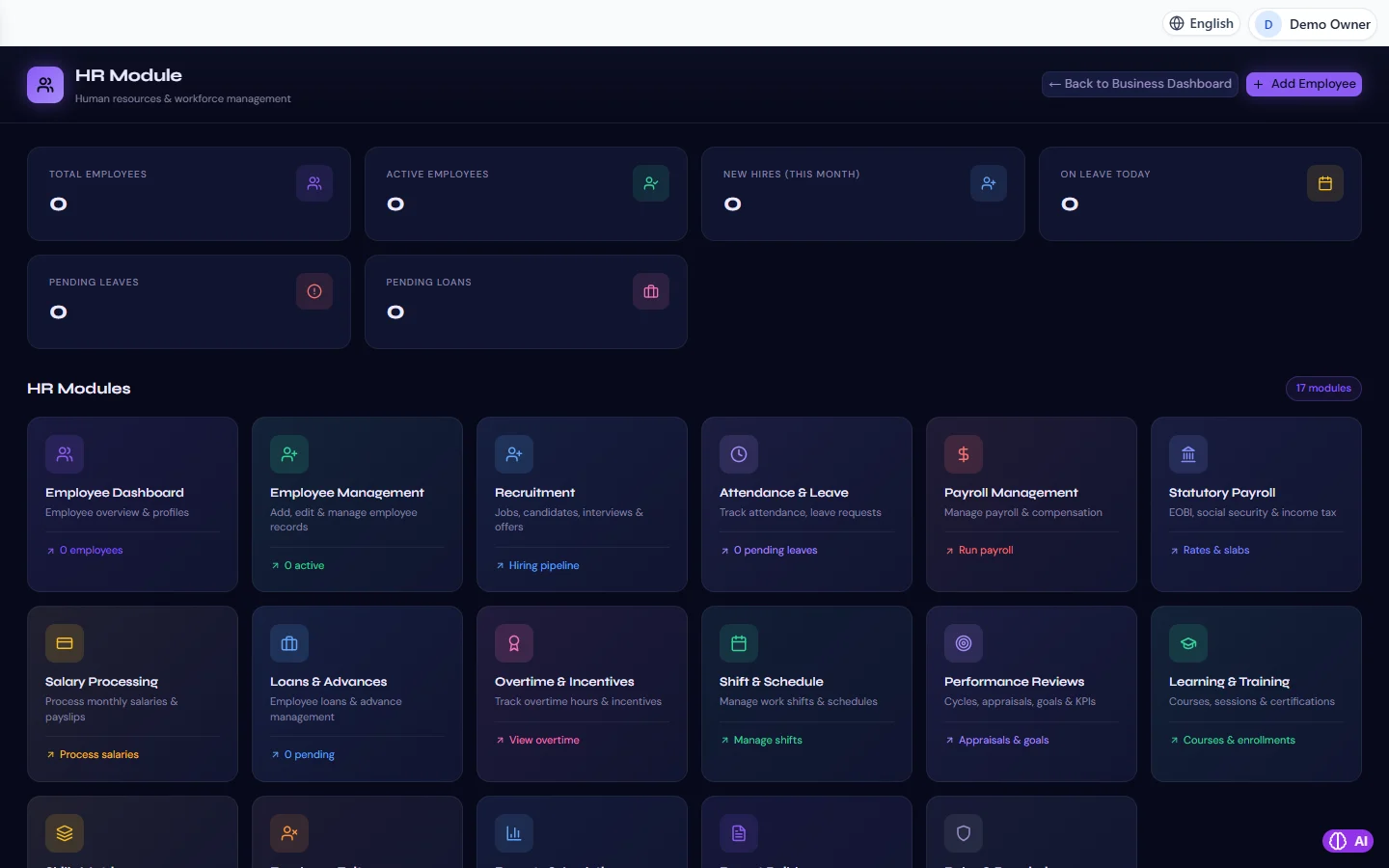
HR & Payroll in RBTERP, with a sample company and fictional data.
Every payroll, leave balance and statutory return starts from the employee record. If the record is incomplete, everything built on it is wrong. This guide covers what to keep, and how to bring new people in through a recruitment process that leaves a clean record behind.
What every employee record needs
Identity and contact
- Full legal name, as on the national identity card.
- National identity number, date of birth and address.
- Phone and emergency contact.
Employment
- Start date, job title, department and manager.
- Employment type: permanent, contract, probation.
- Working pattern or shift.
Pay
- Basic salary, and the date it took effect.
- Allowances and other pay components.
- Bank account for salary payments.
- Tax and statutory registration details required in your country.
Documents
Contract, offer letter, identity copies, qualifications, and any later changes. Keep them with the record, not in a separate drawer.
Keep history, not just the current value
When a salary changes, do not overwrite the old figure. Record the new salary with the date it takes effect. Payroll for a past month, arrears and final settlements all depend on knowing what was true on a given date.
Recruitment: from opening to offer
A simple, consistent hiring process saves time and protects you from disputes.
- Open the job. Title, department, responsibilities, salary range, and the number of positions.
- Collect candidates with their CVs and contact details in one place, not scattered across email inboxes.
- Shortlist against the job's requirements.
- Interview, with the same core questions for every candidate, and notes recorded the same day.
- Offer in writing: role, salary, start date, probation and terms.
- Convert the accepted candidate into an employee record, so nothing is typed twice.
Onboarding checklist
- Contract signed and stored.
- Identity and bank details collected and checked.
- Statutory registrations started where required.
- System account created with the right role. See users, roles and permissions.
- Equipment issued and recorded.
- Probation review date set.
Privacy
Employee records hold sensitive personal data. Limit who can see salaries and identity numbers to the people who need them, and keep records only as long as the law requires.
HR in RBTERP
RBTERP's HR and Payroll module covers seventeen HR areas from recruitment to payroll.
- Employee records with an employee dashboard.
- Recruitment: jobs, candidates, interviews and offers, in one flow.
- Pay: each employee's basic salary is held with the date it is in force, along with their own pay components, so payroll for any period uses the salary that applied in that period.
- Bank details: a salary is paid only to an employee with a bank account on file, which prevents payments going nowhere.
- Performance reviews, learning and training sit alongside the record.
- Permissions: every HR read and write is limited to the business, and each role reaches exactly the HR operations it is granted. A view-only role can read and never change.
Next steps
Once records are complete, set up attendance, leave and shifts, then run your first payroll with running monthly payroll.
This guide uses the HR & Payroll module of RBTERP: Seventeen HR areas from recruitment to payroll, including statutory payroll with EOBI, social security and income tax.