
Guides › Attendance, Leave and Shifts
Attendance, Leave and Shifts
RBTERP team · · 3 min read
How to set up leave entitlements, approve leave fairly, track attendance and shifts, and make sure unpaid leave reaches payroll correctly.
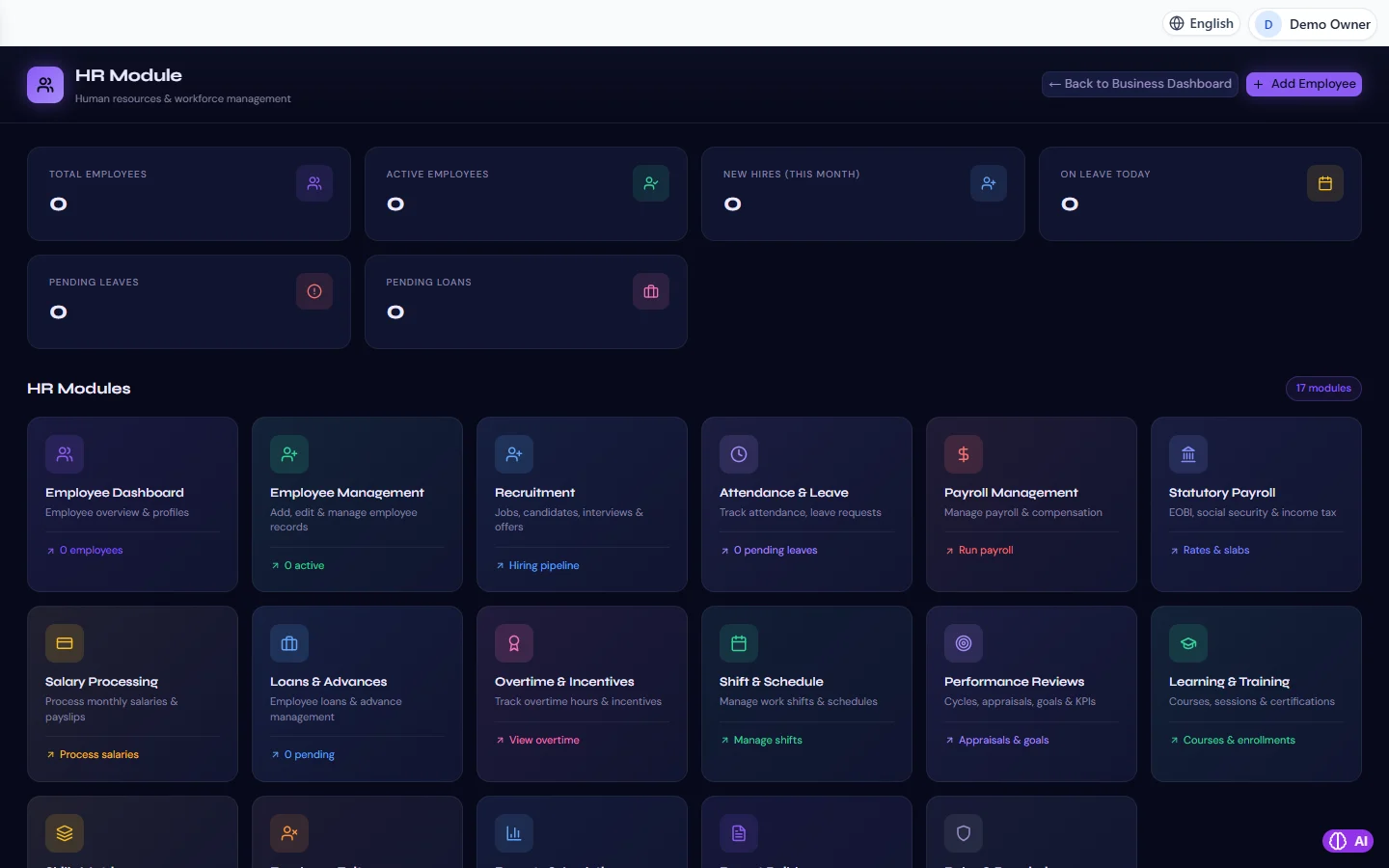
HR & Payroll in RBTERP, with a sample company and fictional data.
Attendance and leave touch every employee every month, and they feed straight into pay. Done loosely, they cause disputes, unfair treatment and payroll errors. Done consistently, they are quiet and dependable.
Leave policy first
Write down your leave rules before you configure anything:
- Types of leave: annual, sick, casual, maternity or paternity, unpaid, and any others you allow.
- Entitlement: how many days of each per year, and whether it builds up month by month or is granted at the start of the year.
- Carry forward: can unused days move to next year, and how many?
- Notice: how far ahead annual leave must be requested.
- Evidence: when sick leave needs a medical certificate.
- Approval: who approves whose leave.
Check the minimums your country's labour law requires; your policy can be more generous, not less.
The life of a leave request
- The employee requests specific dates and a leave type.
- While it waits, those days are held, so the employee cannot book them twice.
- The manager approves or refuses.
- Approved leave uses the days. Refused or cancelled leave gives them back.
- Approved leave that is no longer wanted is cancelled, not deleted, so the history remains.
Unpaid leave and pay
Leave without pay must reduce pay for the month it is taken. The usual method is to deduct the day's rate for each unpaid day. Make sure unpaid leave is approved and recorded before payroll is run, or it will be missed.
Attendance
Attendance records who was at work and when. It matters for:
- Overtime calculations.
- Spotting patterns of lateness or absence early.
- Statutory records some industries must keep.
Record attendance daily. Correcting a month of attendance at payroll time is guesswork.
Shifts and schedules
If people work different hours, define shifts with start and end times, and assign people to them on a schedule. Overtime is then simply time worked beyond the assigned shift, which is easier to calculate and to defend.
Fairness and records
- Apply the same rules to everyone.
- Approve or refuse promptly; a request left waiting for weeks is a refusal nobody admits to.
- Keep the reason for a refusal.
Attendance and leave in RBTERP
RBTERP's HR module covers attendance, leave, shifts and schedules, and connects them to payroll:
- A pending leave request holds its days; approved, it uses them; refused, cancelled or deleted, it gives them back. An approved request is cancelled, never deleted.
- Leave without pay is docked in payroll at the month's daily rate, automatically, when the period is run.
- Overtime and incentives recorded for the period are included in that period's payroll.
- Payroll is calculated by the server once per period, so approved leave and recorded overtime must be in place before the run. A late correction is made with an adjustment run that posts only the difference. See running monthly payroll.
- Permissions limit who can approve leave and who can see attendance.
A monthly routine
- Remind managers to approve outstanding leave a few days before payroll.
- Review attendance exceptions: absences without leave, unusual overtime.
- Confirm unpaid leave with the employee before it reduces their pay.
- Run payroll.
This guide uses the HR & Payroll module of RBTERP: Seventeen HR areas from recruitment to payroll, including statutory payroll with EOBI, social security and income tax.