
Guides › Users, Roles and Permissions
Users, Roles and Permissions
RBTERP team · · 3 min read
How to give each person their own account with the right role in RBTERP, why shared logins are a risk, and how to approve and lock accounts.
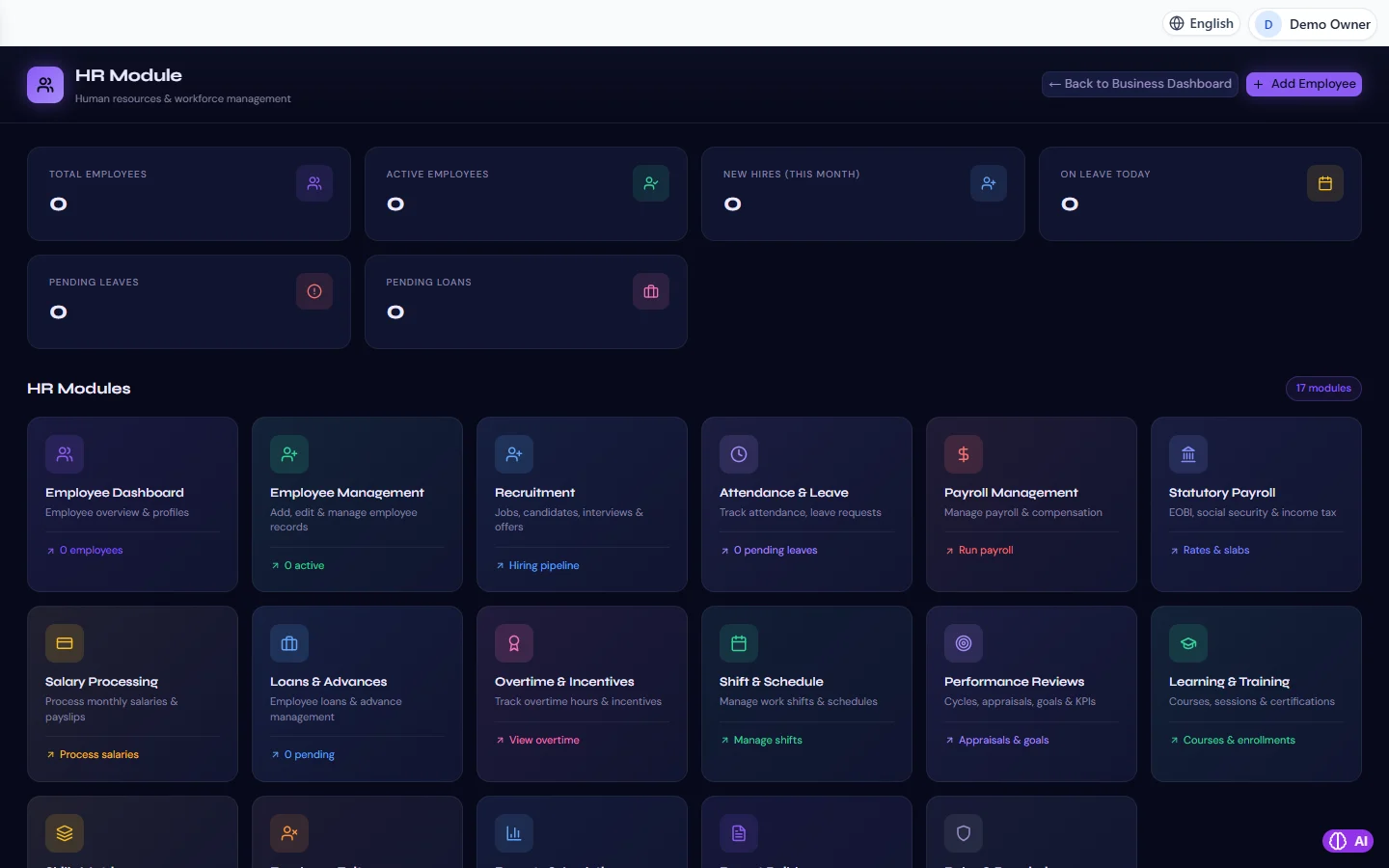
HR & Payroll in RBTERP, with a sample company and fictional data.
An accounting system is only as reliable as the control over who can change it. Roles and permissions decide what each person can see and do. Set them up thoughtfully once, and they protect your figures, your staff and you.
Why every person needs their own account
A shared login is convenient for about a week. After that:
- Nobody can tell who posted the wrong invoice, approved the wrong bill or changed a price.
- When someone leaves, the password everyone knows must be changed, and everyone must learn the new one.
- The person who approves a payment can be the same person who raised it, and nobody would know.
With one account per person, the record of who did what is meaningful, and you can disable one person without touching anyone else.
Roles and permissions
A permission allows one kind of action, such as creating a sales invoice, managing the bank or editing settings. A role is a named set of permissions that fits a job, such as accountant, auditor or read-only. You give each person a role, not a list of permissions.
Give each person the narrowest role that does their job. A salesperson needs to raise orders and invoices, not to close the month. An auditor needs to read everything and change nothing.
Separating duties
The classic rule: the person who creates a transaction should not be the person who approves it, and neither should be the person who pays it. In a small business you may not have three people for every task, but you can usually separate at least the raising of a supplier bill from its approval. See approving supplier bills and approvals and workflows.
How RBTERP handles accounts
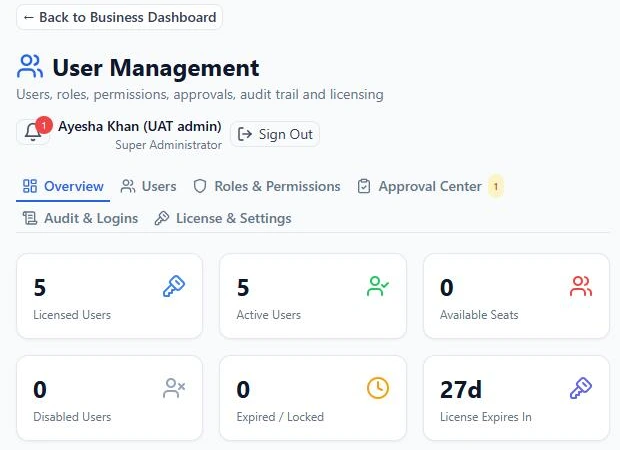
- Each person has their own account under Users. Roles carry permissions, and the server checks them on every request, not just on the screen. Fifteen roles ship with RBTERP, including accountant, auditor and read-only.
- The first sign-up owns the installation. On a new installation the first person to sign up becomes the Super Administrator, with every right. After that, a sign-up only files an account request with a read-only role, which an administrator approves under Users, then Approvals.
- Nobody can give more than they have. A person may give another account only a role below their own, and only permissions they hold themselves. Nobody but the Super Administrator changes their own role or permissions.
- Require sign-in. Under Users, then Settings, turn on *Require sign-in*. Once on, every request without a valid sign-in is refused, including from the computer RBTERP runs on.
- Password rules and lockout are set in the same place. A user who is locked out is unlocked by an administrator, and that is recorded.
- Forced password changes. A person whose password must be changed, because it is new, was reset or has expired, can do nothing else until they change it.
- Anyone can change their own password from the profile menu at the top right.
A setup that works for a small business
- Owner: Super Administrator. Use this account for administration only, not for daily entries.
- Accountant: the accountant role, for postings, reconciliations and closing.
- Sales and purchasing staff: roles limited to their own module.
- Store keeper: inventory movements only.
- External accountant or auditor: the auditor or read-only role.
Keeping it tidy
- When someone leaves, disable their account the same day.
- Review the user list every quarter. Remove accounts nobody uses.
- Never share the Super Administrator password. If the owner is unavailable, a second administrator can reset passwords.
- Settings changes, user and role changes and sign-ins are all recorded, so you can review who did what.
When several people work at the same time from different computers, read multi-user access on your office network.