
Guides › Customer Returns and Credit Notes
Customer Returns and Credit Notes
RBTERP team · · 3 min read
How to handle goods a customer sends back: checking the return, putting stock and tax right, and issuing a credit note against the original invoice.
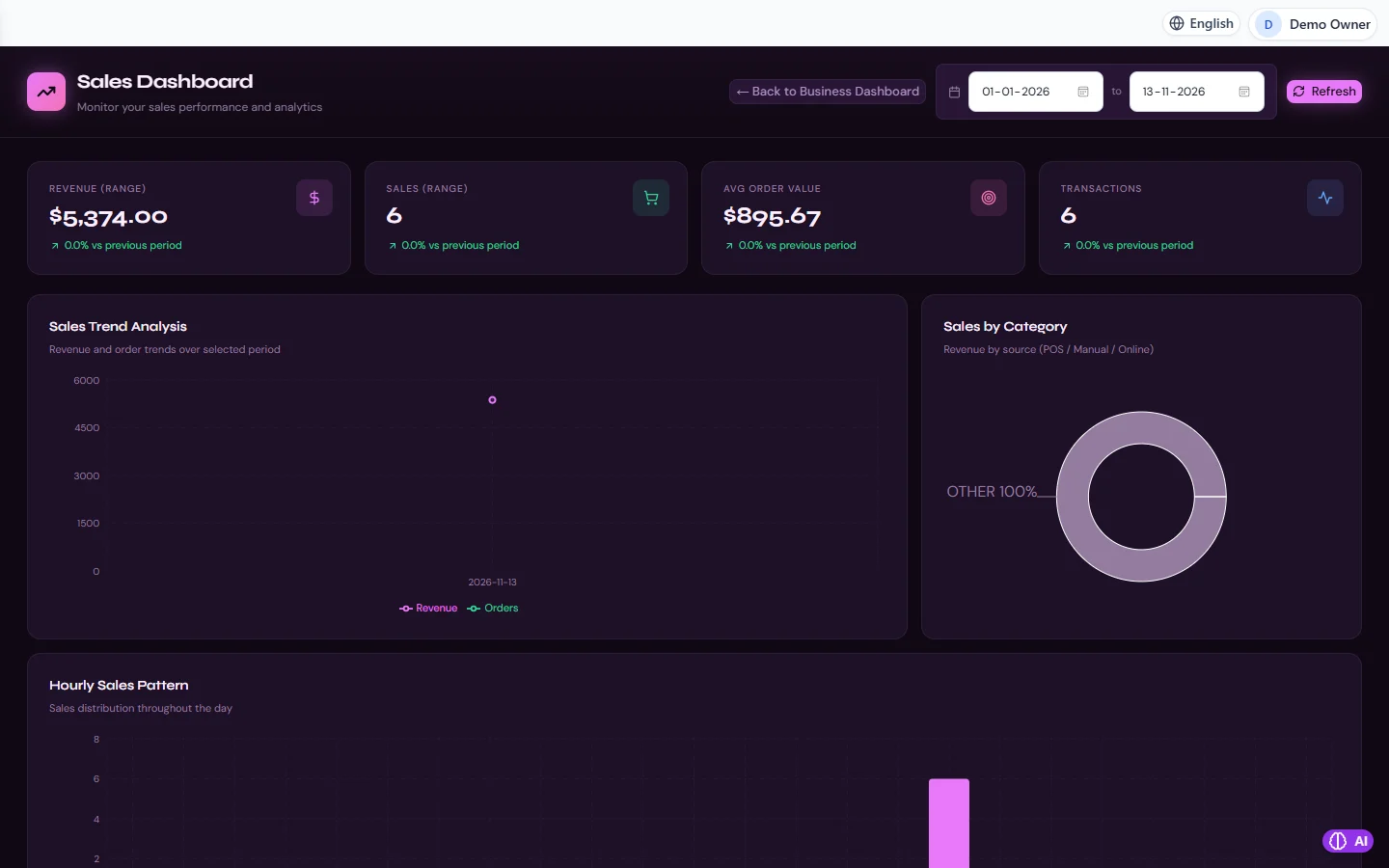
Sales in RBTERP, with a sample company and fictional data.
Every trading business takes goods back. Handled well, a return keeps a customer. Handled badly, it leaves stock, receivables and tax disagreeing with each other for months. The rule is simple: a return must put three things right at the same time.
The three things a return changes
- What the customer owes. It falls by the value of what came back.
- Your stock. Goods fit to sell go back on the shelf; damaged goods do not.
- Revenue and tax. The sale is reversed, and so is the tax you charged on it.
If any one of these is missed, the others are wrong too.
Before you accept a return
- Find the original invoice. A return should always refer to the sale it reverses. Without it, you cannot know the price, the tax or whether the item came from you at all.
- Check the condition. Is it resaleable, damaged, or for repair?
- Check your policy. Time limits, restocking charges, whether opened goods are accepted.
- Agree what the customer gets: a credit against future invoices, or money back.
The credit note
A credit note is the opposite of an invoice. It shows the returned items, their price and tax exactly as on the original invoice, and reduces what the customer owes. It needs its own number and date, and it should name the invoice it relates to.
Use the same tax rate as the original invoice, even if the rate has changed since. You are reversing the tax you charged, not charging new tax.
Refunds
If the customer has already paid and wants money back rather than credit, the refund is a payment from you to them, made after the credit note. Pay it to the same account or method they paid from, and record it against the credit note.
Damaged goods
Goods that come back unfit to sell should not go back into saleable stock. Record them as returned, then write them off with a stock adjustment and a reason, or move them to a separate location for repair. See stock control for small businesses.
Watch your return rate
Keep returns in their own account rather than netting them silently against sales. A rising share of sales coming back points to a problem worth fixing: product quality, wrong items picked, or descriptions that promise too much.
Returns in RBTERP
In RBTERP a return is always raised against the original invoice.
- In Sales, under Returns, raise the return against the invoice, with the quantity, the condition, and the tax of the returned lines.
- Have it approved by someone with sales approval.
When approved:
- The invoice is credited, so the customer owes less.
- Good stock goes back into the warehouse.
- Revenue is reversed on the sales returns account.
RBTERP checks the tax: a return whose tax does not match the returned lines at the original invoice's rates is refused. Enter the lines' tax exactly as shown on the invoice. In the CRM, a customer's lifetime value counts their sales less what approved returns credited back, so customer figures agree with the books.
A return dated in a closed month is refused, keeping reported figures as reported; date it in the open month.
See from sales order to cash for the full sales cycle, and receivables ageing and collections for following up what customers still owe after credits.
This guide uses the Sales module of RBTERP: Quotations, orders, deliveries, invoices and returns in one flow, with revenue, order value and trends for any date range.