
Guides › Transferring Stock Between Warehouses and Branches
Transferring Stock Between Warehouses and Branches
RBTERP team · · 3 min read
How to move stock between stores and branches so both locations stay accurate, including goods in transit and what to check on arrival.
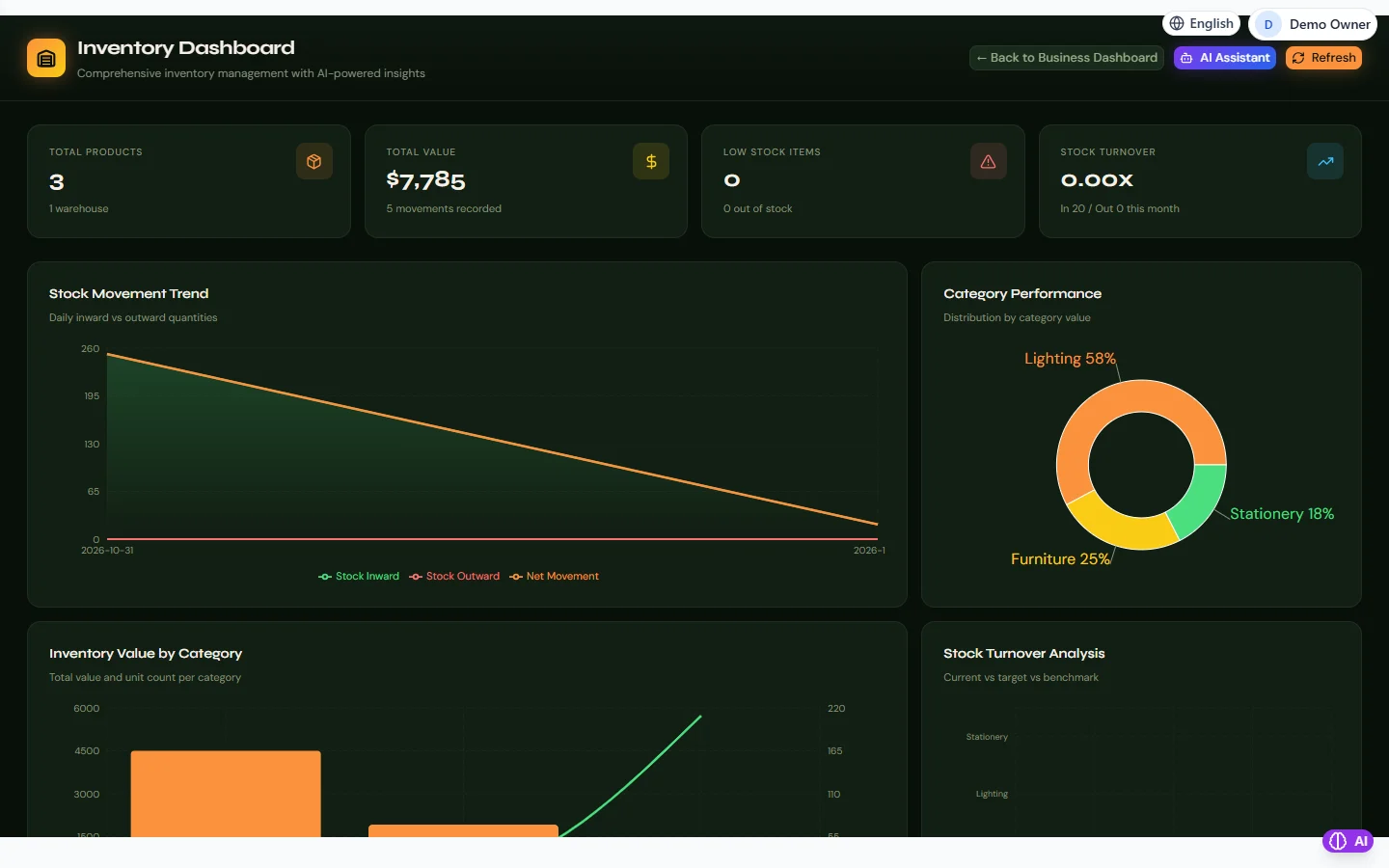
Inventory in RBTERP, with a sample company and fictional data.
When a business has more than one store, branch or warehouse, stock moves between them every week. Each move must leave both locations' records accurate. Get transfers wrong and one branch shows stock it does not have while the other cannot find goods it does have.
What a transfer is, and is not
A transfer moves goods from one of your locations to another. The business as a whole owns exactly the same stock before and after: only the location changes. A transfer is therefore not a sale, not a purchase, and does not change your profit.
Treating a transfer as a sale at one branch and a purchase at another inflates both sales and purchases and confuses every report. Use a transfer.
The steps of a good transfer
- Request. The receiving location asks for specific items and quantities.
- Pick and send. The sending location picks the goods and records the transfer, with a document number that travels with the goods.
- Receive and check. The receiving location counts what arrives against the document.
- Resolve differences. Anything short or damaged is recorded with a reason, not quietly absorbed.
Goods in transit
If goods take days to arrive, decide how you will see them while they travel. Some businesses record the transfer on dispatch and treat arrival as confirmation; others use an "in transit" location. What matters is that goods are never in neither location's records, and never in both.
Common problems
- Transfer recorded, goods never sent. The sending branch shows less stock than it has; the receiving branch shows stock it cannot find.
- Goods sent, transfer not recorded. The opposite problem, discovered at the next count.
- Partial deliveries. Record what actually moved, not what was requested.
- Transfers at the wrong cost. Stock should move at the cost it carried, so the total value of stock stays the same.
Counting helps
Count transferred items at both ends for the first few months, and then on a sample. Differences found quickly are easy to explain. See stock control for small businesses.
Transfers in RBTERP
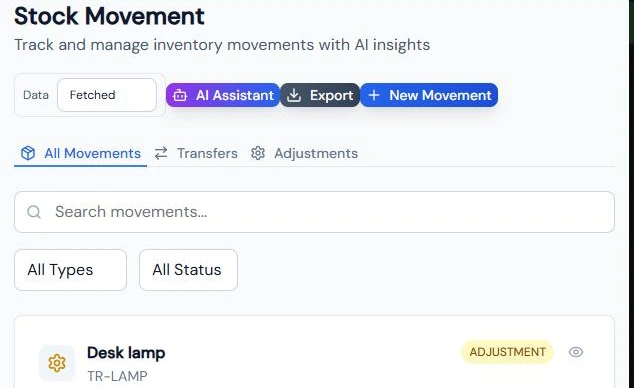
In RBTERP a transfer is one of the stock movement types under Inventory, alongside stock in, stock out and adjustments.
- Record the transfer with the product, quantity, the warehouse it leaves and the warehouse it goes to.
- The total stock value does not change, only its location, because the goods move at the cost they carried.
- Stock cannot go negative: a transfer that would take more than the sending warehouse holds is refused, which catches a transfer recorded before the goods were received.
- Movements post to the ledger as they happen, so the inventory account and the stock list continue to agree.
- Reports by warehouse show each location's quantity and value, and the Inventory dashboard tracks inward, outward and net movement.
- For businesses with branches, RBTERP's inventory supports location-level stock and permissions, so a branch user can work with their own location's stock.
Branch setup as a service
Setting up several locations, their warehouses, permissions and transfer routine is covered by our Multi-location Setup service, which includes branches and warehouses, location-level stock and permissions, inter-location transfers and two hand-over sessions.
See also setting up products and warehouses.
This guide uses the Inventory module of RBTERP: Stock by warehouse with valuation at cost, movements, low-stock alerts and category analysis.