
Guides › The Fixed Asset Register: Recording What the Business Owns
The Fixed Asset Register: Recording What the Business Owns
RBTERP team · · 3 min read
What counts as a fixed asset, how to capitalise it at cost, what to keep in the register, and how to look after maintenance and warranties.
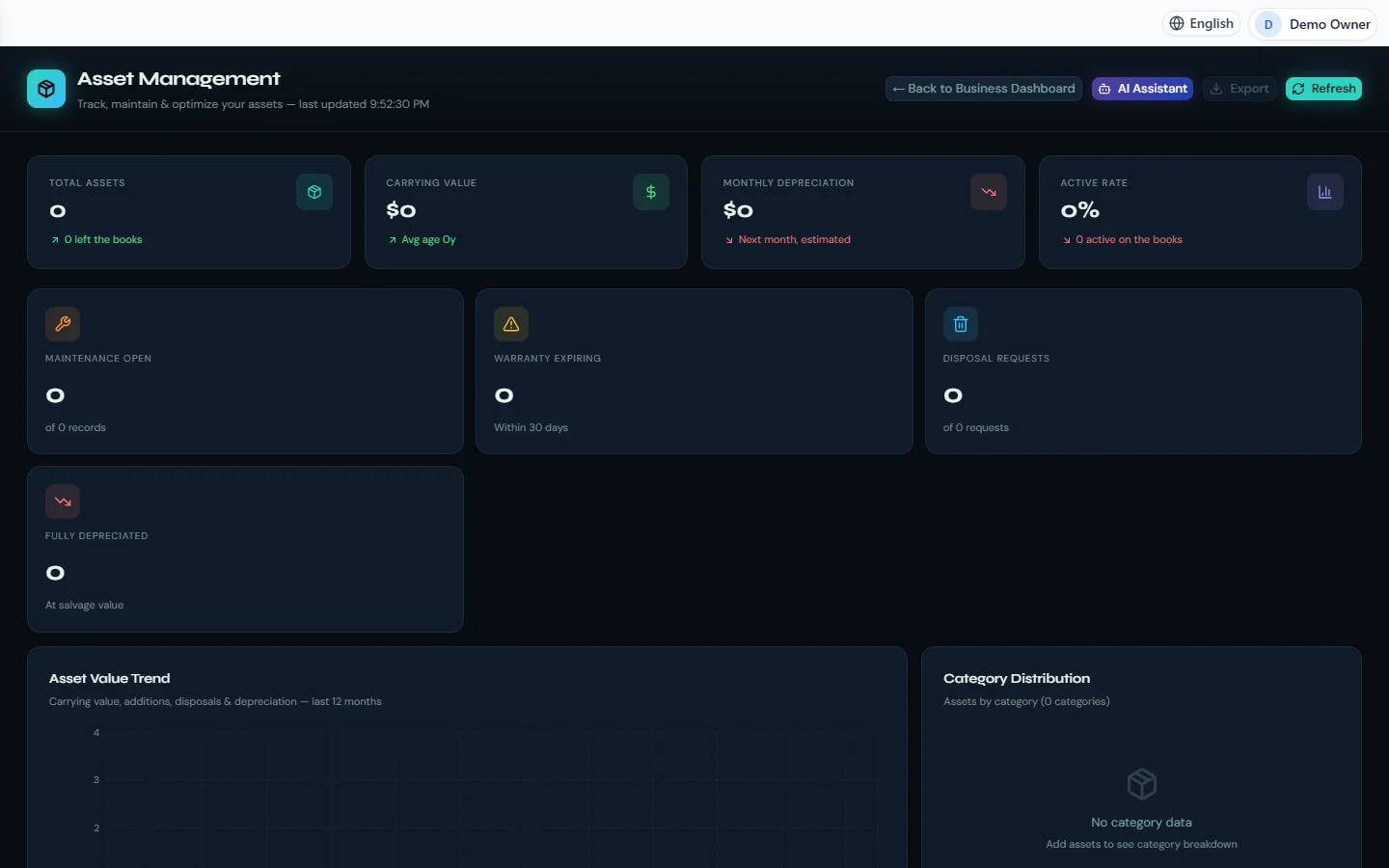
Fixed Assets in RBTERP, with a sample company and fictional data.
Fixed assets are the things a business owns and uses for more than a year: machinery, vehicles, computers, furniture, buildings. They are recorded differently from everyday expenses, and a well-kept register protects both your accounts and the assets themselves.
Asset or expense?
A purchase is a fixed asset when:
- It will be used for more than one year, and
- Its cost is above a threshold you set, such as 50,000.
Below the threshold, treat it as an expense even if it lasts years. A stapler is not worth tracking. Agree the threshold with your accountant and apply it consistently.
Capitalising at cost
When you buy a fixed asset, its cost goes to the balance sheet, not to expenses. This is called capitalising it. Cost includes the purchase price and the costs of getting it ready to use, such as delivery and installation.
The asset's cost is then spread over its useful life through depreciation. See depreciation and disposal.
What the register holds
For each asset:
- A unique asset number, ideally on a label on the asset itself.
- Description, make, model and serial number.
- Location and the person responsible for it.
- Purchase date and cost.
- Supplier and invoice reference.
- Useful life, salvage value and depreciation method.
- Accumulated depreciation and carrying amount to date.
- Warranty expiry date.
- Documents: invoice, warranty, manual, photos.
Count your assets
Once a year, check that every asset in the register still exists and is where it should be. Assets missing from the count must be investigated, and if they cannot be found, removed from the books.
Maintenance and warranties
A register is also a maintenance tool:
- Record each repair, its cost and who did it.
- Watch warranty expiry dates, and claim before they pass.
- Spot assets that cost more to keep running than they are worth.
The register in RBTERP
RBTERP's Fixed Assets module keeps the register and the ledger as one.
- The register is the ledger. For each business, the asset accounts hold the cost of every asset still on the books, and accumulated depreciation holds the difference between cost and carrying amount, account by account. Every entry balances.
- Capitalisation happens once, at cost, on the purchase date, whether the asset is entered by hand or imported from CSV. A rejected import row imports nothing. Once capitalised, cost and purchase date are fixed.
- Carrying value is shown for every asset, with the depreciation estimated ahead month by month.
- Maintenance records and open jobs. A completed, paid repair that is not under warranty is recorded as repair expense.
- Warranty expiry alerts, and warranty and insurance claims that follow their own flow: submitted, under review, approved, settled for insurance; pending, approved, completed for warranties. Only a settled insurance claim is money; warranty work never is.
- Attachments: asset photos, invoices and manuals are kept with the asset and included in protected backups.
- Stale screens are refused: approving a request someone else rejected, or moving an asset someone retired, is answered with the reason and changes nothing.
- Permissions: view-only roles can read the register and never change it.
Getting started
- Agree your capitalisation threshold and asset categories.
- List existing assets with cost, purchase date and accumulated depreciation to date, as part of your opening balances.
- Label each asset with its number.
- Set warranty dates for anything still covered.
This guide uses the Fixed Assets module of RBTERP: Track every asset from purchase to disposal, with depreciation, maintenance and warranty reminders.