
Guides › Automated Report Subscriptions: Reports That Arrive by Themselves
Automated Report Subscriptions: Reports That Arrive by Themselves
RBTERP team · · 3 min read
How to have the reports you need e-mailed to you on a schedule, set exception alerts, and know whether a figure is final or still provisional.
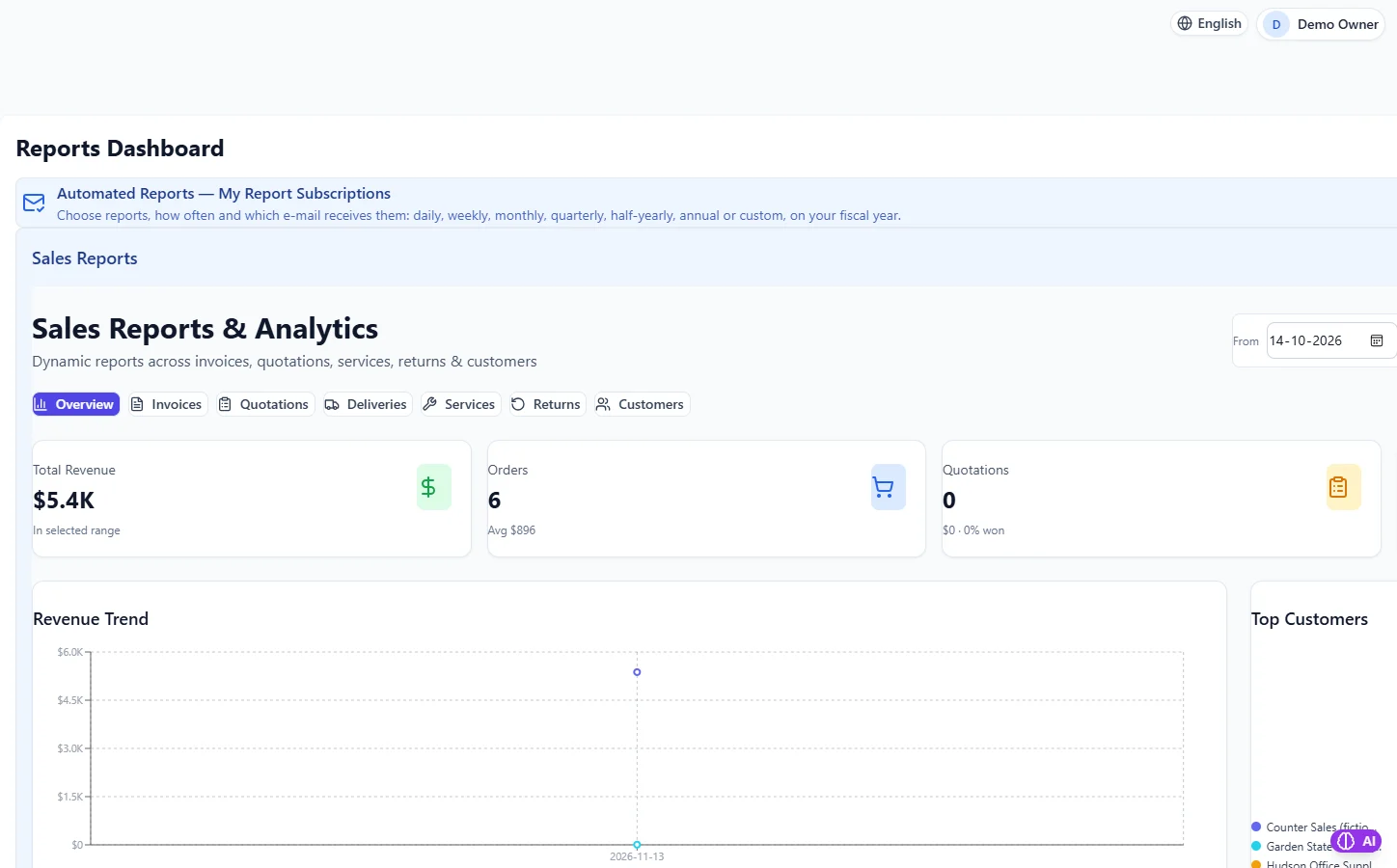
Reports & Analytics in RBTERP, with a sample company and fictional data.
The best report is the one you actually read. Most owners and managers mean to check the figures every week and do not, because it means logging in, finding the report and choosing the dates. A subscription removes the effort: the report arrives in your inbox at the time you choose.
Choose a few reports, not many
Subscribe to the handful of reports that drive decisions:
- Daily: cash position, yesterday's sales.
- Weekly: receivables ageing, low stock, the cash-flow outlook.
- Monthly: profit and loss, balance sheet, payroll summary, after the month is closed.
Ten reports a day become ten unread e-mails a day. Start small and add only what you miss.
Scheduled reports and exception alerts
There are two kinds of subscription:
- A scheduled report arrives every time, on its schedule.
- An exception alert arrives only when a figure crosses a threshold you set: cash below a minimum, overdue receivables above a limit. Alerts are the better choice for anything you only need to know when it goes wrong.
Final or provisional?
A report for a month that is still open can change as late documents arrive. Know which you are reading. A figure you act on should come from a closed period wherever possible. See the month-end close checklist.
Report subscriptions in RBTERP
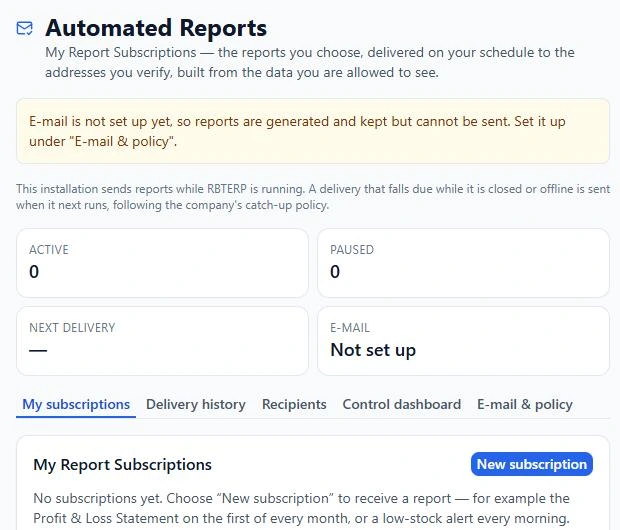
In RBTERP, each user chooses which reports they receive, how often, and at which verified e-mail address, under Reports, then Automated Reports, then My Report Subscriptions. One user's schedule never touches anyone else's.
- Any report your role allows: Finance, Banking, Sales, Purchase, Inventory, Assets, HR, CRM, Shipping, Manufacturing, Consolidation and Taxation, or a management pack.
- Kind: a scheduled report, or an exception alert sent only when a figure crosses a threshold.
- Frequency: daily, weekly on a chosen weekday, monthly on a chosen day or the last day, quarterly, half-yearly, annually on your fiscal year, or a custom interval.
- Time and time zone, with daylight saving handled.
- Period: the previous day, business day, week, month, fiscal quarter, half or year; month-, quarter- or year-to-date; the last so many days; or a fixed range.
- Formats: PDF, Excel and CSV, in any combination.
- Delivery: an e-mail attachment, or a secure link that expires. Large reports switch to a link automatically.
- Comparison of key figures with the previous period.
- Recipients: up to ten of your own verified addresses, each sent a separate e-mail.
- Pause a subscription, optionally until a date, such as during leave.
You can preview a report, send it now, send a test e-mail, and see every delivery in Delivery history, where each generated file can be downloaded again.
Trustworthy figures
- Reports are produced by the same report screens you use, as you, with your permissions at that moment. A scheduled balance sheet is identical to the balance sheet screen for the same dates.
- Each report is marked FINAL when every month in its period is closed, PRELIMINARY when a period is open, or SNAPSHOT for a position at the time it ran.
- If the computer was off when a report was due, the company's catch-up policy decides whether to send the latest, all missed ones, or none. A report is never sent twice for the same slot.
- Files are sealed on disk, and if someone loses permission to see a report, their subscription stops sending it.
A starting set
- Monday 8 a.m.: receivables ageing and the 30-day cash-flow outlook.
- An exception alert when cash falls below two weeks of costs.
- The 5th of each month: profit and loss and balance sheet for last month.
See building your own reports for reports beyond the standard ones.
This guide uses the Reports & Analytics module of RBTERP: Dynamic reports across invoices, quotations, deliveries, services, returns and customers, and automated reports e-mailed on your schedule.