
Guides › FBR Digital Invoicing in Pakistan: Getting Ready and Going Live
FBR Digital Invoicing in Pakistan: Getting Ready and Going Live
RBTERP team · · 3 min read
What Pakistani businesses need for FBR digital invoicing: IRIS enrolment, the data FBR checks, sandbox testing, going live and fixing rejections.
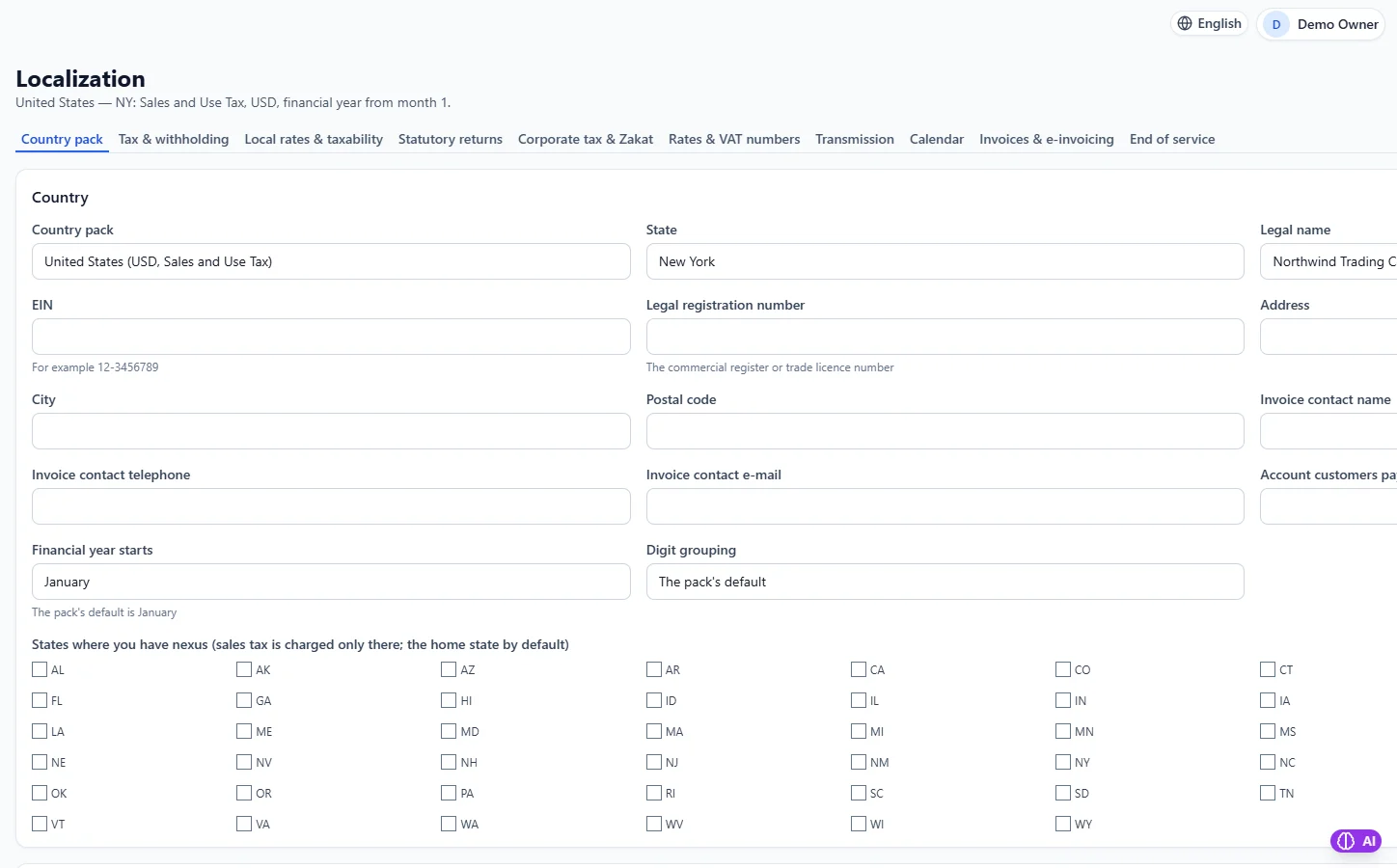
Tax & Localization in RBTERP, with a sample company and fictional data.
Pakistan's Federal Board of Revenue requires many sales-tax-registered businesses to report their invoices to FBR electronically, in real time, through its digital invoicing system. Each accepted invoice receives an FBR invoice number and a QR code to print on it. This guide explains the steps in order. Requirements change, so confirm with FBR or your tax adviser whether and from when they apply to you.
Step 1: Be ready on FBR's side
- Be sales-tax registered, with an active NTN and STRN. If you are not, complete sales tax registration in IRIS first.
- Log in to IRIS, FBR's online portal.
- Opt in to digital invoicing, registering your business as an integrated taxpayer. FBR may require you to use a licensed integrator or to integrate yourself.
- Generate a sandbox token in IRIS. This lets your software send test invoices.
- Keep your NTN or STRN, registered business name, province and address handy exactly as registered. FBR rejects invoices whose details do not match.
You cannot get a production token until FBR has seen you pass its sandbox test scenarios.
Step 2: Get your data in order
FBR rejects invoices with missing details. Before testing:
- Products: every product or service you sell needs an HS code and a unit of measure.
- Customers: each needs a province and whether they are registered or unregistered. Registered buyers need a valid NTN or STRN on their record.
- Your own details: NTN, registered name, province and address.
Province names must use FBR's spelling: Punjab, Sindh, Khyber Pakhtunkhwa, Balochistan, Gilgit-Baltistan, Azad Jammu and Kashmir, or Islamabad Capital Territory.
Step 3: Test in the sandbox
- Validate an invoice: FBR checks it without filing it, and returns any errors.
- Submit to the sandbox: FBR files it as a test and returns a test number.
- Work through FBR's scenarios for your business type, submitting one invoice per required scenario until each passes.
Step 4: Go live
- Once the scenarios pass, request the production token in IRIS.
- Switch your software to production with the production token.
- File one real invoice, check that the FBR number and QR code print correctly, and find it in IRIS.
- Then file every invoice as it is finalised.
FBR digital invoicing in RBTERP
RBTERP connects directly to FBR's gateway through FBR Settings:
- Turn the feature on, choose sandbox or production, and paste the token from IRIS. The token is stored masked and never shown in full again.
- Enter your NTN or CNIC, registered business name, province from FBR's list, and address.
- A default scenario for sandbox testing, which must be cleared before production.
- A default unit of measure, and an optional auto-submit so finalised invoices are filed automatically.
- HS codes can be assigned to products with the built-in HS code lookup, and customers carry province and registration type.
- A local readiness check lists every missing field on an invoice in one pass, before anything is sent to FBR.
- Validate and submit actions per invoice. Submissions are once per invoice: after an invoice has an accepted FBR number, it is never sent again, so a double-click cannot file twice.
- A queue shows what has been filed, what failed with FBR's own error message, and what is pending.
When an invoice is rejected
FBR's error says what is wrong. The usual causes are a missing HS code, a wrong province spelling, a buyer's NTN that does not match, or a sandbox scenario sent in production. Fix the record, then submit again.
See sales tax and withholding setup for how tax is calculated before an invoice is filed.
This guide uses the Tax & Localization module of RBTERP: Country packs set the currency, tax, withholding and statutory returns: Pakistan, the United Kingdom, the United States, the UAE, Saudi Arabia and the EU.