
Guides › Customer Support Tickets and Response Times
Customer Support Tickets and Response Times
RBTERP team · · 3 min read
How to run customer support with tickets: logging every request, setting priorities and response targets, and learning from what customers ask.
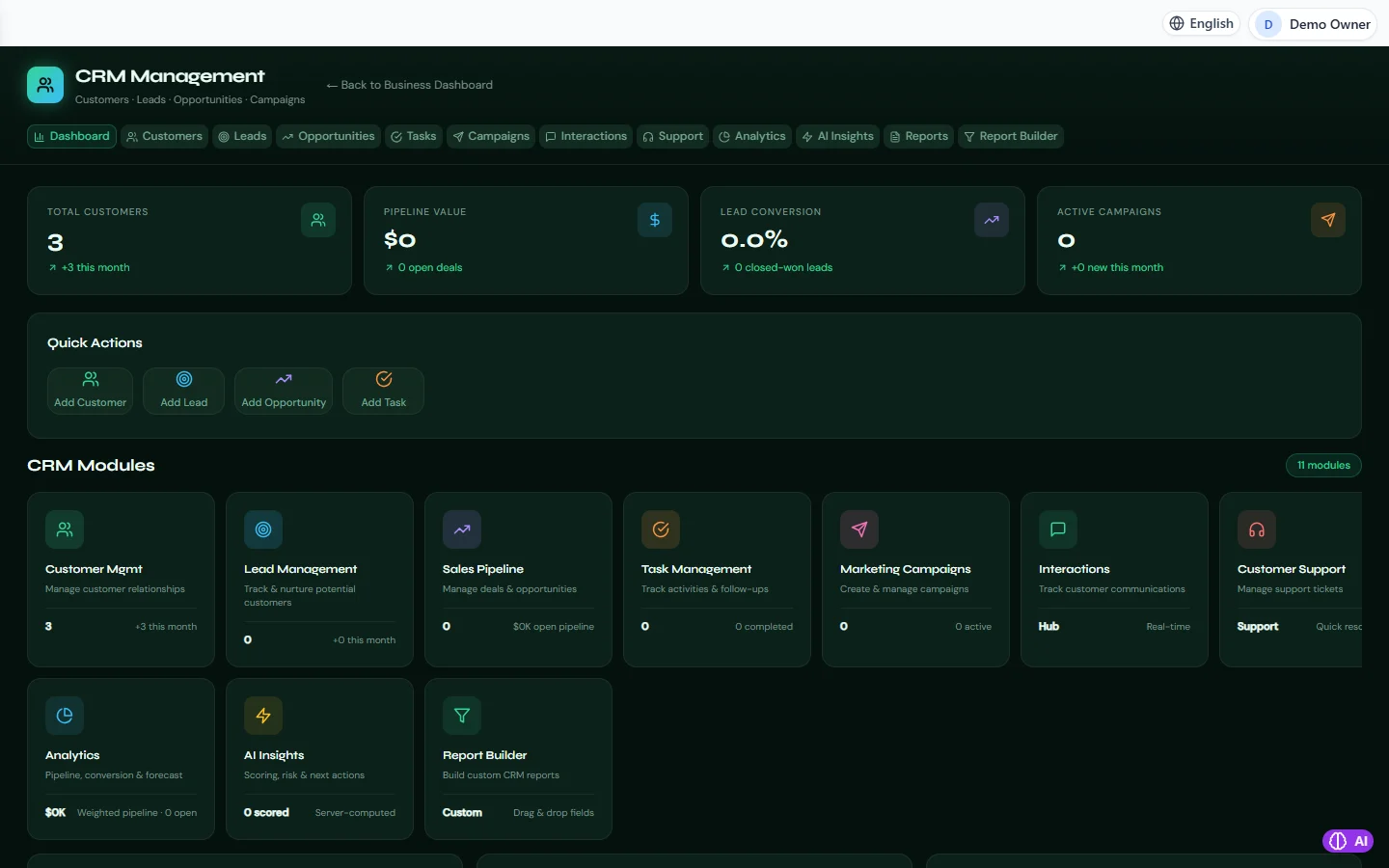
CRM in RBTERP, with a sample company and fictional data.
Customers judge a business as much by how it handles problems as by its products. A support process built on tickets makes sure no request is lost, urgent problems come first, and you can see how well you are doing.
Why tickets, not just email
When support lives in individual inboxes and phones:
- A request is lost when the person who received it is away.
- Nobody knows how many problems are open, or how old they are.
- The same question is answered differently by different people.
A ticket gives every request a number, an owner, a priority and a status that everyone can see.
What a good ticket records
- The customer and how to reach them.
- The problem, in the customer's words.
- Priority: how urgent and how serious.
- Owner: who is handling it now.
- Status: new, in progress, waiting for the customer, resolved, closed.
- What was done, step by step, so anyone can pick it up.
Priorities and response targets
Agree targets for each priority and publish them internally:
- First response: how quickly the customer hears back, even if only to say you are on it.
- Resolution: how quickly the problem is actually solved.
Urgent problems that stop a customer working need hours, not days. Low-priority questions can wait longer. The point is that the customer knows what to expect, and you know when you are late.
Close the loop
A ticket is resolved when the problem is fixed, and closed when the customer agrees. Ask, briefly, whether they are satisfied. A ticket closed without the customer's knowledge often returns as a complaint.
Learn from the tickets
Once a month, look at what customers asked about:
- The most common questions point to better instructions, packaging or product descriptions.
- Repeated faults point to quality problems.
- Slow resolutions point to missing knowledge or staff.
Every repeated question you remove is support work you never have to do again.
Support in RBTERP
Customer support tickets are part of the CRM module, alongside customers, leads and opportunities.
- One service level policy is used by both the server and the screen. The first-response targets are 1, 4, 8 and 24 hours, and the resolution targets 4, 24, 72 and 168 hours, for urgent, high, medium and low priority respectively.
- The clocks follow the status. The ticket's first-response and resolution times are stamped by its status, however it got there, so the figures cannot be gamed by editing fields.
- Customer 360 shows a customer's open tickets beside their sales and open pipeline, so whoever talks to the customer sees the whole relationship.
- The service desk figures, on the dashboard and in reports, are calculated from the same ticket records, so every screen agrees.
- Every change is recorded with who made it.
- Campaigns and follow-ups in the same module help you reach customers after a problem is fixed.
Getting started
- Agree the four priorities and what each means for your business.
- Log every request as a ticket for one month, without exception.
- Review response and resolution times weekly.
- After a month, read the tickets and fix the top three causes.
See leads and the sales pipeline for the sales side of the CRM.
This guide uses the CRM module of RBTERP: Customers, leads, opportunities, tasks, campaigns and support, with pipeline analytics and AI insights.